what is a cms platform: What it is and how it works

So, what exactly is a Content Management System, or CMS?
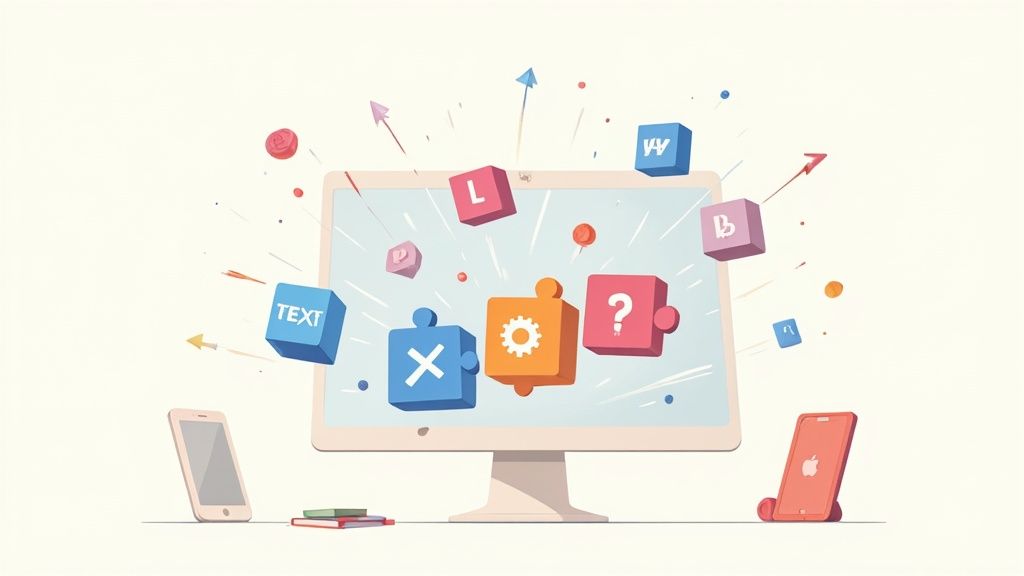
Stripped of all the jargon, a CMS is the software that lets you create, edit, and publish content on your website without having to mess with a single line of code. Think of it as the friendly dashboard for your entire site. It gives you a simple interface to write blog posts, upload photos, and tweak page layouts with a few clicks instead of a wall of code.
Decoding the Content Management System

The real magic of a CMS is how it separates the content of your website—all your text, images, and videos—from its design and functionality. This is a game-changer. It means you can update a blog post or swap out a product photo without any fear of accidentally breaking the site’s layout.
Without a CMS, every little change would mean digging into the site's code (HTML, CSS, JavaScript). For a solo founder or a small team, that’s a massive time-sink and a huge bottleneck. A CMS completely removes that technical barrier, putting the power to manage a professional website back in your hands.
How a CMS Puts You in Control
A CMS basically acts as the central command center for all your digital assets. It gives you a structured, organized way to handle everything from a rough draft to the final published piece.
Here’s what that actually looks like day-to-day:
- Creating content is a breeze: You get a familiar editor that feels a lot like writing in a word processor.
- Teamwork without the chaos: You can add multiple users and give them different permission levels, keeping your site secure and organized.
- Updates are simplified: Schedule posts ahead of time, update pages on the fly, and manage all your media files from one clean dashboard.
This table breaks down the essential tasks a CMS handles, showing you the real-world value it provides over starting from scratch.
Core Functions of a CMS at a Glance
| Core Function | What It Means for You |
|---|---|
| Content Creation & Editing | A simple, intuitive editor (like a word doc) to write, format, and publish posts without code. |
| Media Management | A central library to upload, store, and organize all your images, videos, and documents. |
| User & Role Management | You can assign different access levels (e.g., author, editor, admin) to team members. |
| Design & Templating | Control the look and feel of your site with pre-built themes or custom designs, keeping it separate from your content. |
| Publishing & Scheduling | Push content live immediately, save it as a draft, or schedule it to be published at a future date. |
| Version Control | Keep a history of changes to your pages, so you can easily revert to a previous version if something goes wrong. |
This organized approach is precisely why CMS platforms have taken over the web. By 2025, they are projected to power approximately 68.7% of all websites on the internet—that’s over 80 million live sites. The numbers don't lie; they show just how valuable this flexibility is for businesses of all shapes and sizes.
A CMS platform empowers creators to focus on what they do best—creating great content—while the system handles the complex technical work behind the scenes.
Platforms like Webflow are pushing this idea even further by blending a powerful CMS with an intuitive visual design interface. This hybrid model gives you incredible design freedom without sacrificing the robust content management you need on the backend. We dive deep into how Webflow’s features are changing the game for founders in our detailed guide. It’s all about putting control back into the hands of the creator.
Essential Features of a Modern CMS
Once you get what a CMS platform is, the next question is always: what separates a good one from a great one? While plenty of platforms can get content online, modern systems offer a whole suite of features designed to make your entire operation more efficient, secure, and flat-out effective. These aren't just nice-to-haves; they're mission-critical for any serious project.
A truly modern CMS is way more than a simple checklist of functions. Think of it as the central hub for your entire marketing ecosystem, giving your team the power to create, collaborate, and connect with your audience without any friction.
Intuitive Content Creation and Editing
At the absolute heart of any CMS is its content editor. The best platforms give you a WYSIWYG (What You See Is What You Get) editor that feels as natural as typing in a Word doc. This kind of intuitive interface lets you format text, drop in images, and structure pages visually, completely removing the need to touch any code.
This accessibility is a game-changer. It empowers marketers and content creators to work on their own, without needing a developer for every tiny update. The goal is to make bringing an idea to life as smooth as possible, which is a core strength of platforms like Webflow.
A great content editor doesn't just let you write; it gets out of your way so you can create. It eliminates technical hurdles, allowing your team to focus entirely on crafting compelling content that connects with your audience.
This intense focus on user experience means your team can publish top-notch content faster, keeping things consistent and nimble as your business grows.
Granular User Permissions and Collaboration
As your team gets bigger, managing who can do what becomes critical for both security and keeping your workflow sane. A modern CMS provides granular user permissions, letting you define specific roles with different levels of access. For instance, you could set up roles like:
- Administrator: Has full control over everything—settings, plugins, users, the works.
- Editor: Can publish and manage posts, including those written by others.
- Author: Can write and manage their own posts but can't publish them without a green light.
- Contributor: Can write posts but has to submit them for review before they go anywhere.
Having these roles clearly defined prevents accidental changes to important parts of your site and builds a clear, structured approval process. This is absolutely essential for maintaining brand consistency and making sure all content hits your quality standards before it goes live.
Built-In SEO Tools and Flexibility
In today's competitive world, ranking high in search results is non-negotiable. A top-tier CMS comes loaded with built-in SEO tools that give you a massive head start and simplify the whole process of optimizing your content.
Here are some key built-in SEO features you should look for:
- Customizable Meta Tags: Easily tweak page titles and meta descriptions to improve your click-through rates from search results.
- Clean URL Structures: Create simple, keyword-rich URLs (or "slugs") that are easy for both people and search engines to read.
- Automatic XML Sitemaps: The CMS should generate and update a sitemap for you automatically, helping search engines crawl and index your site much more efficiently.
- Structured Data Support: Implement schema markup to give your search listings those cool rich snippets, like star ratings or event details.
These tools empower you to bake SEO best practices right into your workflow, making optimization a natural part of creating content. For a deeper look at how a powerful CMS can scale from a solo project to a full-fledged enterprise setup, check out our guide on the Webflow CMS in 2025.
Robust APIs for Seamless Integrations
Finally, a modern CMS should never be an island. Your website is just one piece of a much larger toolkit that might include CRM software, analytics platforms, email marketing services like Brevo, or e-commerce solutions like Shopify.
This is where a robust API (Application Programming Interface) is a must-have. An API acts as a bridge, letting your CMS talk and share data with all your other software. This connectivity transforms your website from a static brochure into a dynamic, integrated hub for your business, automating workflows and creating a seamless customer experience across every single touchpoint.
Comparing The Different Types of CMS Platforms
Picking the right CMS isn't just a technical decision—it's a choice that will shape how flexible and scalable your entire online presence is. The architecture you choose directly impacts how easily you can get your content in front of your audience, wherever they are. Let's break down the three main flavors—Traditional, Headless, and Hybrid—with some simple analogies to make it all click.
Think of a Traditional CMS as an all-in-one desktop computer. Everything is bundled together: the screen (the frontend, what your visitors see) is permanently attached to the computer tower (the backend, where you manage content). This makes it super straightforward to get up and running right out of the box.
A Headless CMS, on the other hand, is like a powerful, standalone server humming away in a data center. It has no screen of its own. Its only job is to manage, store, and stream content out to any device that asks for it—a smart TV, a phone, a watch, or even a digital billboard. This approach gives you incredible flexibility.
Finally, there’s the Hybrid CMS, which gives you the best of both worlds. Imagine a smart TV with its own fantastic interface that's easy for anyone to use, but it can also stream its content to any other device in your house. You get the convenience of an all-in-one system with the multi-channel reach of a headless setup.
This infographic breaks down the core components any modern CMS has to nail to be effective today.
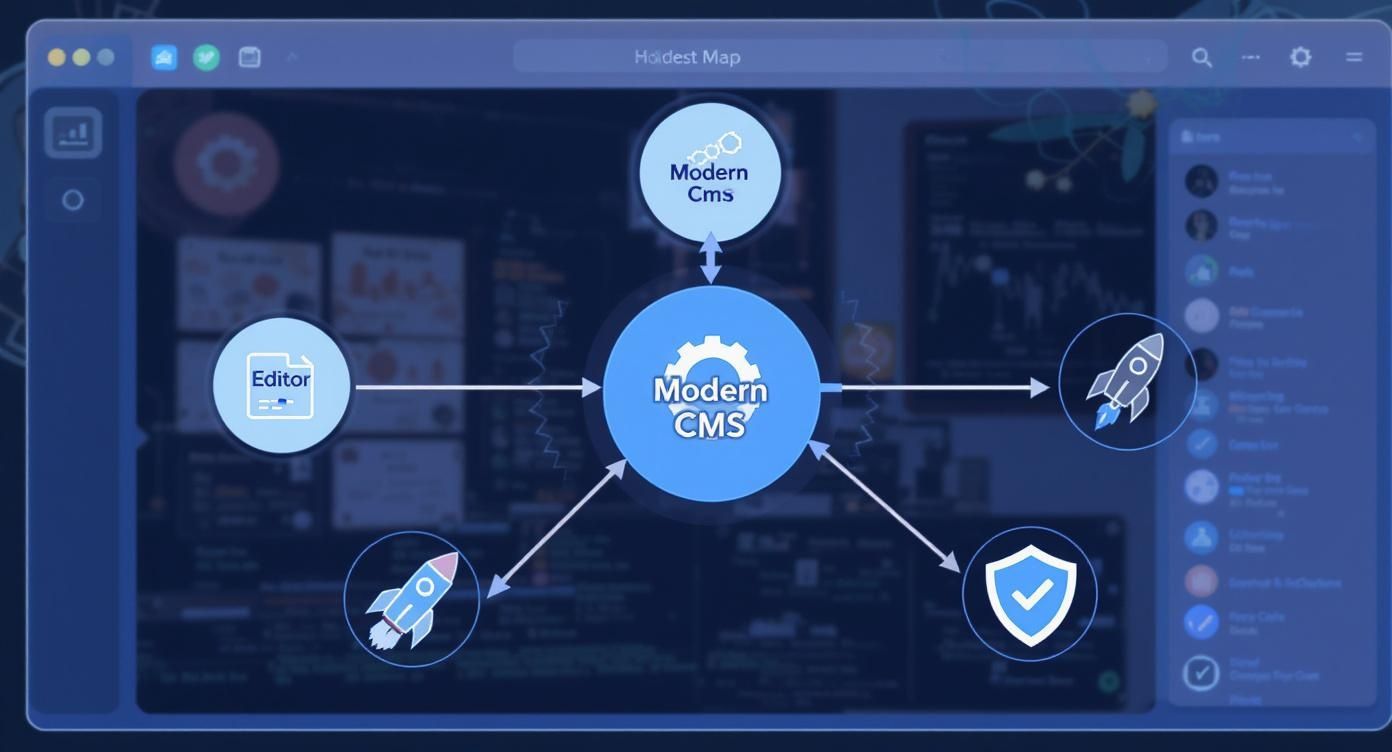
As you can see, a great editor experience, strong SEO capabilities, and robust security are non-negotiable, no matter which architecture you choose.
The All-in-One Approach of Traditional CMS
Traditional (or monolithic) CMS platforms have been the standard for decades. They lock the backend (your content database and management tools) together with the frontend (the website template or "theme"). This creates a single, self-contained system for building and managing a website.
This all-in-one structure is both its biggest strength and its biggest weakness.
Here’s what works well with a Traditional CMS:
- Ease of Use: With everything bundled together, setup is often much simpler. Non-technical users can usually manage the entire site from a single dashboard.
- Predictable Workflows: Content creation, design, and publishing all happen in one unified place, which is perfect for straightforward projects like blogs or business websites.
- Massive Ecosystems: Platforms like WordPress have huge libraries of themes and plugins, letting you add new features without needing a developer.
But that tight connection can create real headaches when you want to innovate. Pushing content to a mobile app or a smart device is a huge challenge because the content is fundamentally stuck inside the website's design. If you want to dig deeper into this, our in-depth comparison of Webflow vs WordPress really highlights these architectural differences.
The Flexible Power of Headless CMS
A Headless CMS completely separates the content backend from the presentation frontend. It doesn't care what the content looks like; it just manages it in a pure, raw format and delivers it via an API to any app or device that needs it.
This "content-first" approach is built for a world where you need to be everywhere at once.
Advantages of a Headless CMS include:
- Omnichannel Delivery: Publish content one time and send it everywhere—websites, mobile apps, smartwatches, you name it.
- Developer Freedom: Your frontend developers can use any modern tech they love (like React, Vue, or Svelte) to build blazing-fast, custom user experiences. They aren't boxed in by the CMS.
- Future-Proof Scalability: As new devices and platforms pop up, you can just connect them to your content hub via the API without having to rebuild your whole backend.
The main tradeoff? Complexity. A headless setup demands more development skill to build and connect the custom frontend. Plus, marketers lose that handy live preview of their content right inside the CMS.
The Hybrid CMS: Finding the Balance
A Hybrid CMS tries to deliver the perfect middle ground. It works like a traditional CMS, with a built-in frontend that gives marketers familiar tools and live previews. But it also has powerful API capabilities, letting it act headless whenever you need it to.
A Hybrid CMS gives you the convenience of a traditional system for your main website, while still offering the API-first flexibility to power other digital channels.
This model is quickly gaining traction because it bridges the gap between marketing-friendly workflows and developer-centric flexibility. Platforms like Webflow are a perfect example. They offer incredibly powerful visual design and content management tools for your website, but also provide a rich API to send that same content to other applications. This lets your entire team work efficiently without ever hitting a wall on future projects.
To make the differences crystal clear, here’s a quick side-by-side breakdown of the three architectures.
Traditional vs Headless vs Hybrid CMS Comparison
| Attribute | Traditional CMS | Headless CMS | Hybrid CMS |
|---|---|---|---|
| Architecture | Coupled (backend and frontend are one) | Decoupled (backend and frontend are separate) | Decoupled, but with an optional "head" |
| Flexibility | Low; locked into a specific theme/template | High; content can go to any frontend | High; offers both a native frontend and API access |
| Ease of Use | High for non-developers | Low; requires developer expertise | High for marketers, flexible for developers |
| Use Case | Blogs, simple websites, small business sites | Omnichannel apps, IoT, complex web apps | Most modern websites, businesses needing both speed and flexibility |
| Examples | WordPress, Joomla | Contentful, Sanity.io | Webflow, Storyblok |
Ultimately, choosing the right type of CMS depends entirely on your project's needs and your team's skills. A traditional system is great for getting a simple site up quickly, headless offers unmatched power for complex, multi-platform experiences, and a hybrid approach gives you a versatile foundation that can grow with you.
Picking the right CMS now can save you a mountain of headaches later. Get it right, and you'll be able to move fast and grow. Get it wrong, and you're in for a world of constant friction and workarounds. This isn't just about picking a tool; it's about finding the right partner for your project's journey.
Let's walk through a simple gut-check to figure out what you actually need, focusing on your budget, tech skills, and where you see this project going in a year or two.
Start with a Self-Assessment
Before you even start looking at shiny CMS features, you need to get real about your own situation. Answering these questions honestly will immediately cut your list of options from dozens down to just a few real contenders.
- What's your real budget? Think beyond the sticker price. You need to account for hosting, themes, plugins, and maybe even hiring a developer for a few hours when you get stuck.
- How tech-savvy are you, really? Be honest. If the thought of looking at code or using an FTP client makes you break out in a cold sweat, you need a different kind of tool than someone who's comfortable diving into the backend.
- How much design control do you need? Are you cool with a simple, clean template you can just drop your content into? Or do you need pixel-perfect control to nail your brand's unique look and feel?
- What's the long-term plan? Is this just a simple blog, or will you eventually need to add e-commerce, a members-only section, or connect to a bunch of other tools? Pick something that can grow with you, not something you'll outgrow in six months.
These questions act as a filter. They'll help you quickly toss out the platforms that are too pricey, too complicated, or just not powerful enough for what you're trying to build.
Key Questions to Ask About Any CMS
Once you've got a shortlist, it's time to get a little more granular. The right CMS for you comes down to how it handles the day-to-day realities of running your site. Use this checklist to see how your top choices really stack up.
- How easy is it to actually write and publish content? Seriously, this is huge. If you or your team need to consult a manual every time you want to update a blog post, you've already lost. A clunky editor is a daily tax on your time.
- Does it play well with others? Your CMS doesn't live on an island. It needs to talk to your other tools. Check if it easily connects to your email marketing platform like Brevo, your analytics, or your sales outreach tool like Apollo.
- Are the SEO features built-in and easy to use? Can you quickly change meta titles, descriptions, and URL slugs? What about adding alt text to images or implementing structured data? You shouldn't have to fight your CMS to do basic SEO.
- Who handles security and updates? How often does the platform get updated? If a security vulnerability is found, is it on you to fix it, or does the provider handle it? This is a massive deal for your peace of mind.
This animated screenshot from Webflow shows how a modern CMS can organize your content into "collections"—things like blog posts, team members, or case studies.
This visual, almost database-like approach is a game-changer for solo founders and small teams. It lets you build surprisingly complex and dynamic websites without ever having to write a line of code.
Considering the Modern Business and Creator
The world of CMS is changing fast. For years, it was a game dominated by huge, clunky enterprise systems. But the fastest-growing segment now is small and medium businesses (SMEs), with a projected compound annual growth rate of 14.20%. This shift is being fueled by powerful cloud-based platforms, which now command 58.40% of the market share. You can discover more insights about the evolving CMS market to see where things are headed.
What does this mean for you? It means you can now get enterprise-level power without the enterprise-level price tag or complexity.
Platforms like Webflow are completely changing the game. They've fused a professional-grade CMS with a world-class visual design tool. This mix gives you the creative freedom to build a truly custom website and a rock-solid backend to manage all your content.
This hybrid approach solves one of the biggest frustrations for founders and small teams. You no longer have to pick between a flexible system that requires a developer on speed dial and a simple system that boxes you into a boring template. You get the best of both worlds—the power to build a site that looks incredible and works exactly the way you need it to.
Your First Steps to Launching a CMS Website
Getting a website live with a CMS isn't some dark art reserved for developers. It's a straightforward, step-by-step process. Forget the technical jargon for a minute and think of it as a simple roadmap from a blank page to a live website your audience can actually visit.
Let's walk through the essential first moves to get your site up, running, and ready for business.
The first big decision is where your website will physically live. If you're using a traditional CMS like WordPress, this means picking a hosting provider. But if you’ve opted for an all-in-one platform like Webflow or Shopify, hosting is already baked in, so you can just skip ahead. For everyone else, find a host that’s known for good speed, solid security, and support that actually answers your questions.
With hosting sorted, your next move is to install the CMS software. Don't sweat it—most hosts offer one-click installations for the big platforms, turning a complicated task into a five-minute job. The moment that's done, your website officially exists. It's a blank canvas, ready for you to shape.
Configuring Your Core Settings
Once the CMS is installed, your very first task is to jump into the main settings. This is where you give your site its identity and set the ground rules. It's tempting to skip this and get straight to the visuals, but these initial configurations lay the groundwork for everything else.
There are a few critical settings to nail down immediately:
- Site Title and Tagline: This is your digital storefront sign. It tells visitors and search engines who you are and what you're about.
- Timezone and Language: Set your local timezone so scheduled posts go out when you expect them to. Then, pick your site's primary language.
- Permalink Structure: This one's huge for SEO. Customize your URLs to be clean and descriptive (like
yourdomain.com/blog-post-title) instead of a meaningless jumble (likeyourdomain.com/?p=123).
Think of these settings as pouring the foundation for a house. If you get them right from day one, everything you build on top will be stable and make sense.
Designing Your Site and Structuring Navigation
Okay, now for the fun part: making your site look great and feel intuitive. Most CMS platforms use themes or templates to handle the visual design. You can grab a pre-built template to get online fast or, if your platform allows, build a completely custom design from the ground up.
When you're picking a template, look for three things: speed, mobile responsiveness, and simplicity. A busy, cluttered design just distracts people and can even tank your search rankings. Once you've landed on a look you like, it's time to map out your site's navigation.
A logical and intuitive navigation menu is one of the most important elements of user experience. If visitors can't find what they're looking for within a few seconds, they'll leave.
Think about the most important pages—Home, About, Services, Contact—and arrange them in a clean main menu. A well-organized site doesn't just help your users; it gives search engines a clear map to follow, helping them understand what your content is about. This setup is a perfect example of learning what a CMS platform is really for: giving you control over your site's success. To keep all these launch tasks in order, a project management tool like Notion is a lifesaver.
The Future of Content Management Systems
The world of content management is moving fast, and the platforms of tomorrow will look quite different from what we're used to. The core mission isn't just about storing content anymore; it's about making that content smarter, faster, and more accessible to everyone on your team.
One of the biggest shifts is the integration of Artificial Intelligence. AI is quickly becoming a co-pilot for content creators. Think of it as a tool that can suggest headlines, optimize text for SEO, or even personalize what a visitor sees in real time. This makes your workflow way more efficient and your content far more effective.
The Rise of API-First and No-Code Platforms
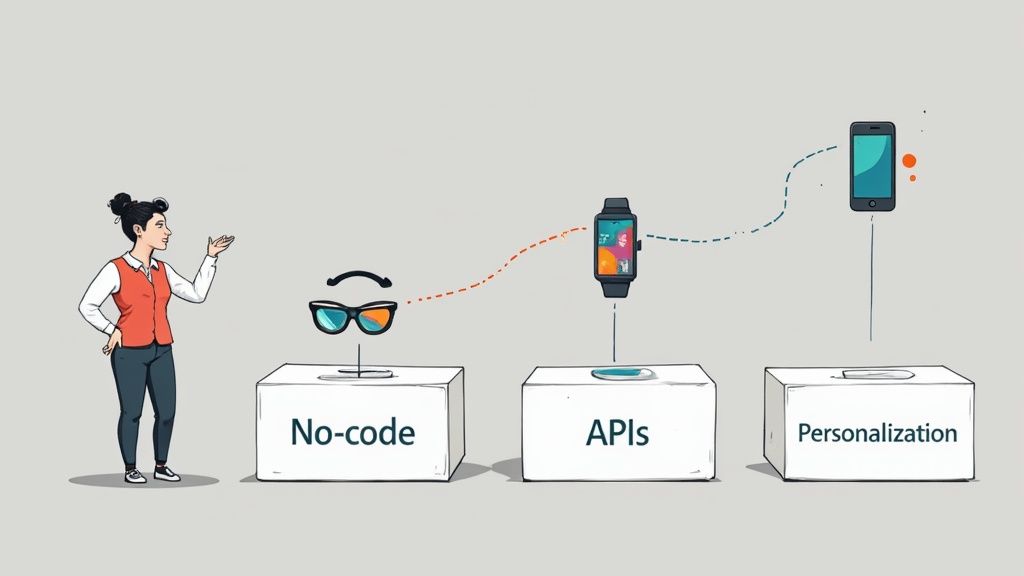
At the same time, API-first and headless architectures are becoming the default standard. This approach ensures your content can be delivered to an ever-growing list of devices—from smartwatches to AR headsets. It future-proofs your work by separating what your content says from where it appears.
The goal is to create content once and publish it everywhere, seamlessly. This shift from a website-centric model to a content-centric one is fundamental to modern digital strategy.
This move toward flexibility is also democratizing who can build online. The rise of powerful no-code and visual development platforms is a total game-changer.
Tools like Webflow empower founders and marketers to build powerful, custom digital experiences without writing a single line of code. This fusion of design freedom and robust content management allows small teams to compete with much larger organizations. Understanding what a CMS platform is becoming helps you choose a tool that will not just work today, but will scale with your ambitions tomorrow.
A Few Common Questions About CMS Platforms
Even with the core concepts down, a few questions always pop up. Let's tackle the most common ones to make sure you have the full picture of what a CMS platform is and what it can do for you.
Can I Use a CMS if I Don't Know How to Code?
Absolutely. In fact, that's one of their biggest selling points. Modern CMS platforms are built specifically to empower people who aren't developers.
Tools like Webflow and Shopify have visual, drag-and-drop interfaces that feel more like using a word processor than some complex piece of software. You can build pages, write blog posts, and upload photos without touching a single line of code. This is exactly what allows solo founders and small teams to get a professional site off the ground and keep it running themselves.
Is a CMS Just for Blogs?
Not at all. While blogging platforms definitely made the CMS famous, their capabilities have exploded since then. These days, a CMS is the engine behind almost any kind of website you can think of.
You can use a CMS to build:
- E-commerce Stores: To manage products, take orders, and handle all your customer data.
- Portfolio Websites: For showcasing your work with beautiful galleries and detailed case studies.
- Corporate Websites: To build a professional online hub with service pages, team bios, and contact forms.
- Membership Sites: For creating exclusive content that only subscribers can access.
- Online Courses: To structure and deliver your lessons and materials to students.
A modern CMS is a flexible foundation you can adapt to pretty much any digital project. The trick is picking a platform that has the right features to match your specific goals.
The core idea behind a CMS is to provide a structured system for any kind of digital content—whether that's a blog post, a product listing, or a video lesson. It's a universal tool for organizing and publishing information online.
How Much Does a CMS Platform Cost?
The price tag on a CMS can be anything from completely free to thousands of dollars a month. It really boils down to the type of platform and the features you actually need.
Generally, you'll see one of three pricing models:
- Open-Source (Free to Use): Platforms like WordPress won't cost you anything to download, but you'll still have to pay for things like web hosting, premium themes, and any plugins you need.
- SaaS (Monthly Subscription): All-in-one platforms like Webflow bundle everything—hosting, security, support—into a predictable monthly fee.
- Enterprise (Custom Pricing): These are the high-end systems built for massive organizations, and they come with custom price tags based on their specific, complex needs.
For most solo founders and small teams, a SaaS platform usually hits the sweet spot. It offers the best balance of cost, power, and ease of use, letting you skip the technical headaches of managing hosting while still getting access to powerful, modern tools.