12 Best Small Business Automation Tools to Scale Faster in 2026

As a small business owner, your most valuable asset is time. Juggling lead generation, client communication, billing, and content creation manually is a direct path to burnout and stunted growth. The key to scaling from a solo founder to a thriving enterprise isn't working longer hours; it's implementing smarter, automated workflows that run in the background. This is where the right small business automation tools become a non-negotiable part of your strategy.
This guide cuts through the noise. We’re not just listing platforms; we're providing actionable tool stacks for specific business functions. You'll find curated setups for lead capture, CRM, email sequences, billing, operations, and even content repurposing. For small business owners seeking to maximize their impact, exploring AI automation for small business growth is essential for driving efficiency and boosting sales.
Each tool in this playbook comes with a detailed breakdown: recommended configurations, honest trade-offs, and one-person workflows. We've included 30-minute quick-start guides, complete with screenshots and direct links, to help you build your automation engine today. Let's reclaim your hours and compound your results, one automated task at a time.
1. Zapier
Zapier is the quintessential "glue" of the internet, a powerful no-code automation platform that connects thousands of different applications. For small businesses, it serves as a central hub for creating automated workflows, or "Zaps," that handle repetitive tasks without requiring any coding knowledge. It excels at linking disparate systems, such as automatically adding a new Shopify customer to a Mailchimp email list or posting new blog updates to social media.
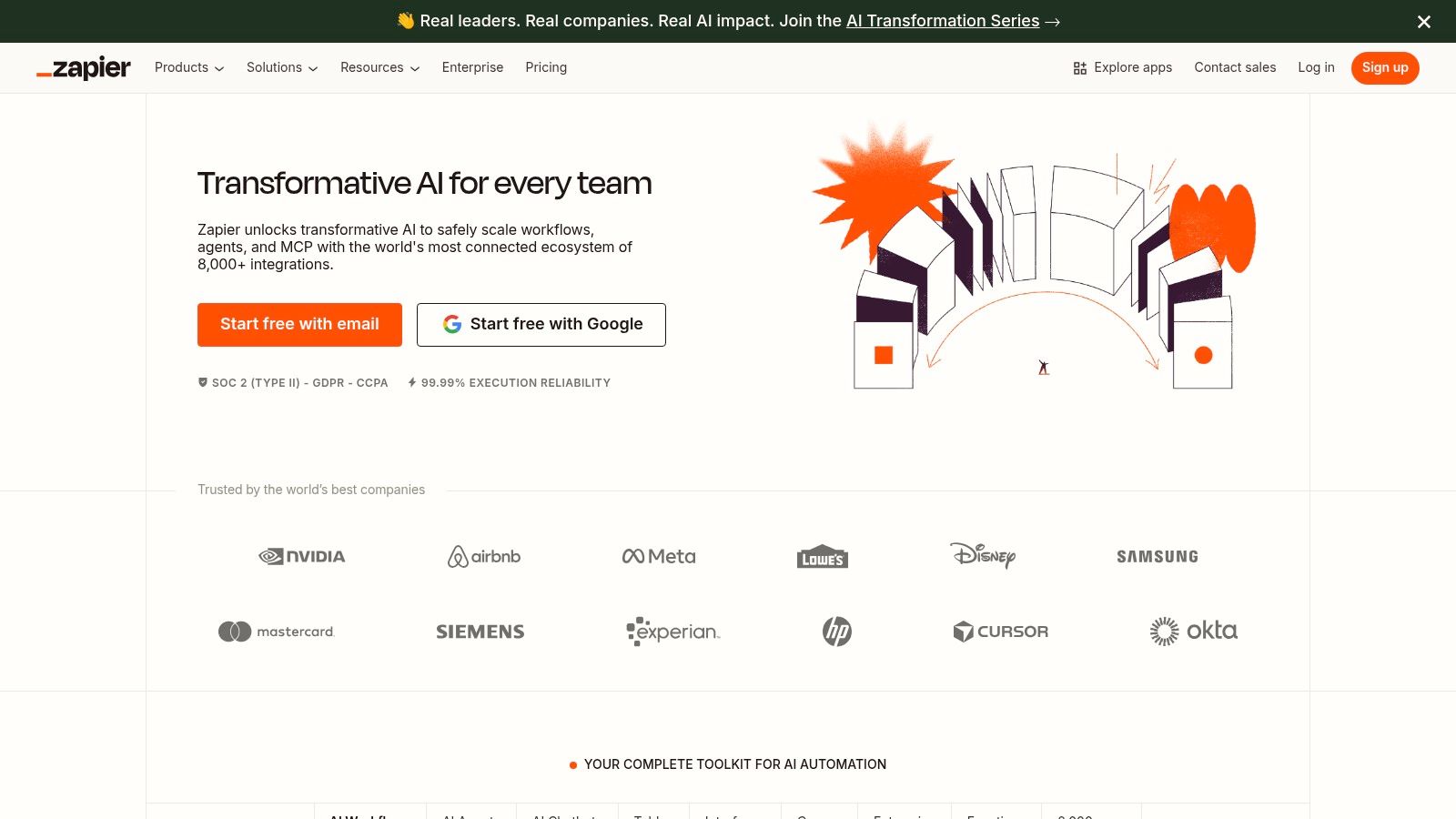
The platform’s visual builder makes it intuitive for non-technical founders to design multi-step automations with conditional logic. While its pricing is task-based and can become costly with high volume, its extensive library of over 6,000 app integrations is unmatched, making it one of the most versatile small business automation tools available. To get a full sense of its capabilities, exploring the vast ecosystem of Zapier integrations is a great starting point for brainstorming your first workflow.
Key Details & Use Cases
- Primary Use: Connecting cloud applications to automate workflows across marketing, sales, and operations.
- Best For: Solo founders and small teams who use a wide variety of software and need them to communicate. For those looking at all-in-one solutions, some platforms like Airslate offer native document and automation features, providing a different approach.
- Limitations: The per-task pricing model can be a significant drawback for businesses with high-frequency automations. Additionally, users should perform due diligence on data security, especially when handling sensitive customer information.
- Website: https://zapier.com
2. Make (formerly Integromat)
Make, formerly known as Integromat, is a powerful visual automation platform that offers granular control over data flow and complex workflow design. Unlike simpler tools, Make allows users to visually map out multi-step processes with advanced logic, including routers for conditional paths and iterators for processing multiple data items. This makes it an exceptional choice for small businesses that require more than just simple trigger-action connections and need to manipulate data between applications.
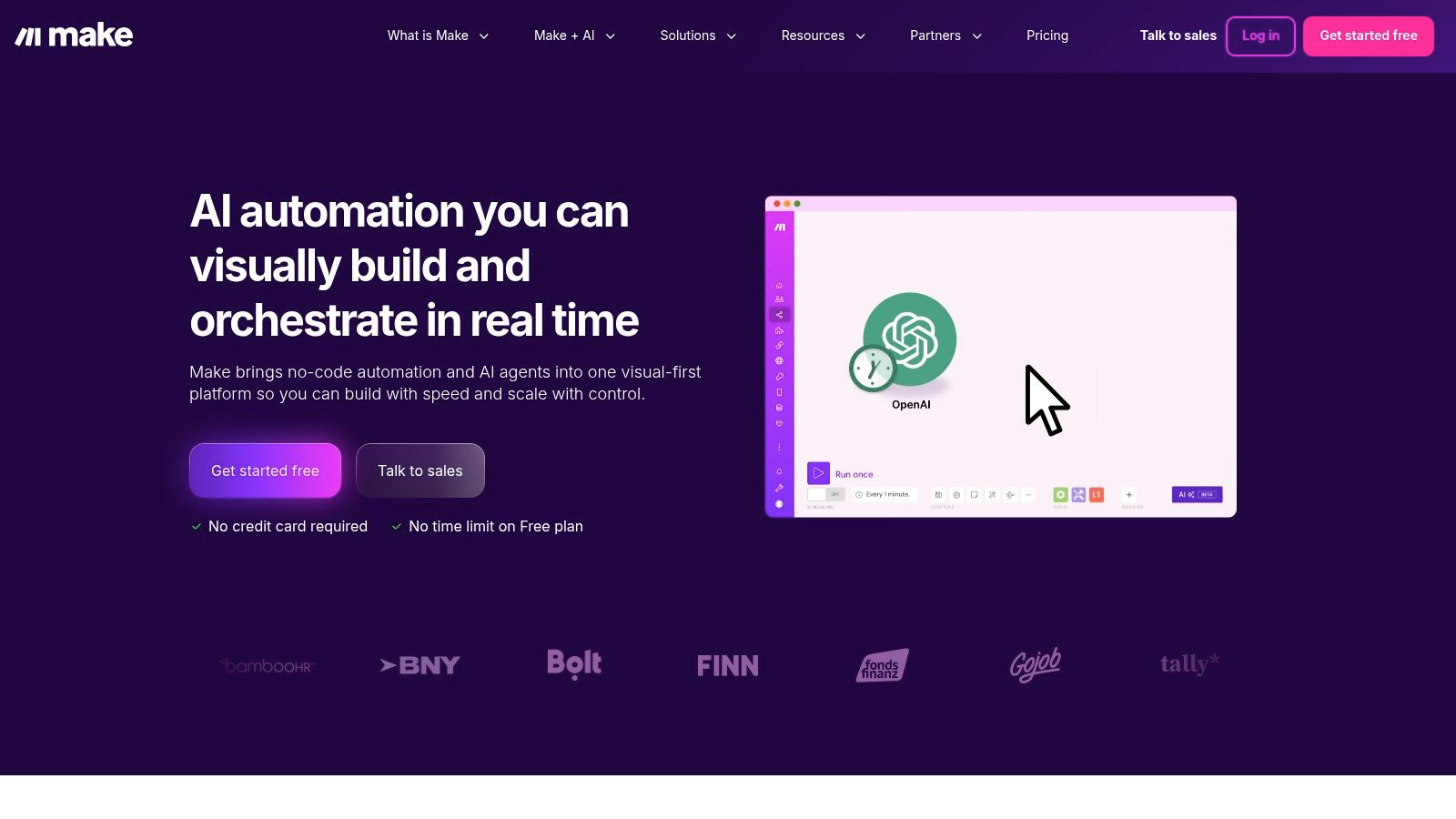
The platform operates on a credit-based model where each action, or "operation," consumes a credit, offering a transparent and often cost-effective pricing structure for high-volume tasks. Its drag-and-drop scenario builder, combined with detailed debugging tools, provides a robust environment for creating and troubleshooting sophisticated automations. For businesses that find other platforms too restrictive, Make provides the flexibility and power needed to build custom solutions without writing code, making it one of the most capable small business automation tools for complex needs.
Key Details & Use Cases
- Primary Use: Building complex, multi-step automated workflows with advanced data manipulation and conditional logic.
- Best For: Tech-savvy entrepreneurs and small businesses that need to build sophisticated automations beyond simple A-to-B connections.
- Limitations: The visual interface and advanced features present a steeper learning curve compared to more linear automation builders like Zapier. New users may need time to understand concepts like routers and data stores.
- Website: https://www.make.com
3. Microsoft Power Automate
For businesses already embedded in the Microsoft 365 ecosystem, Power Automate is a natural and powerful choice. It functions as a low-code automation platform that excels at connecting Microsoft-native applications like Teams, SharePoint, and Dynamics 365, along with hundreds of other services. It goes beyond simple cloud-based workflows by offering Robotic Process Automation (RPA), allowing businesses to automate legacy desktop tasks.
The platform is built with governance and security in mind, providing strong administrative controls that are often crucial for businesses handling sensitive data. While its licensing matrix can be complex with various per-user, per-flow, and pay-as-you-go options, its deep integration capabilities make it one of the most robust small business automation tools for those committed to the Microsoft suite. It’s an enterprise-grade solution made accessible for smaller operations.
Key Details & Use Cases
- Primary Use: Automating business processes across the Microsoft 365 and Dynamics 365 ecosystems, including cloud-based and desktop tasks (RPA).
- Best For: Small to medium-sized businesses that rely heavily on Microsoft products and require strong governance, security, and administrative oversight for their automations.
- Limitations: The pricing and licensing models can be confusing to navigate compared to more straightforward competitors. It has a steeper learning curve for users not already familiar with the Microsoft Power Platform environment.
- Website: https://www.microsoft.com/power-automate
4. Shopify (Shopify Flow)
For ecommerce businesses, Shopify is more than a platform; it’s an ecosystem. Its native automation tool, Shopify Flow, is designed specifically to streamline store operations without ever leaving the Shopify admin. It allows merchants to build no-code workflows that handle critical tasks like tagging high-value customers, flagging potentially fraudulent orders for review, or managing inventory by hiding out-of-stock products automatically. This integration makes it one of the most accessible small business automation tools for online retailers.

Shopify Flow uses a simple "trigger, condition, action" model within its visual builder, making it easy to create powerful automations. Triggers can be based on orders, products, or customers, providing a solid foundation for operational efficiency. While its native capabilities are impressive, its true power is unlocked when connected to the vast Shopify App Store, which offers specialized extensions for more complex marketing and fulfillment automations. This extensibility allows a business to start simple and scale its automation strategy as it grows.
Key Details & Use Cases
- Primary Use: Automating internal ecommerce operations such as order management, fraud analysis, inventory control, and customer segmentation.
- Best For: Ecommerce entrepreneurs and small teams running their business on Shopify who need to automate repetitive, store-specific tasks.
- Limitations: While powerful for on-platform tasks, its functionality is limited to the Shopify ecosystem. Advanced needs often require purchasing paid third-party apps, which can significantly increase monthly costs.
- Website: https://www.shopify.com
5. HubSpot
HubSpot is an all-in-one CRM platform designed to unify marketing, sales, service, and operations. For small businesses, it offers a powerful way to manage the entire customer lifecycle from a single source of truth, eliminating the data silos that often plague growing companies. Its core strength lies in providing a scalable solution, starting with robust free tools and expanding into sophisticated automation suites as business needs evolve.
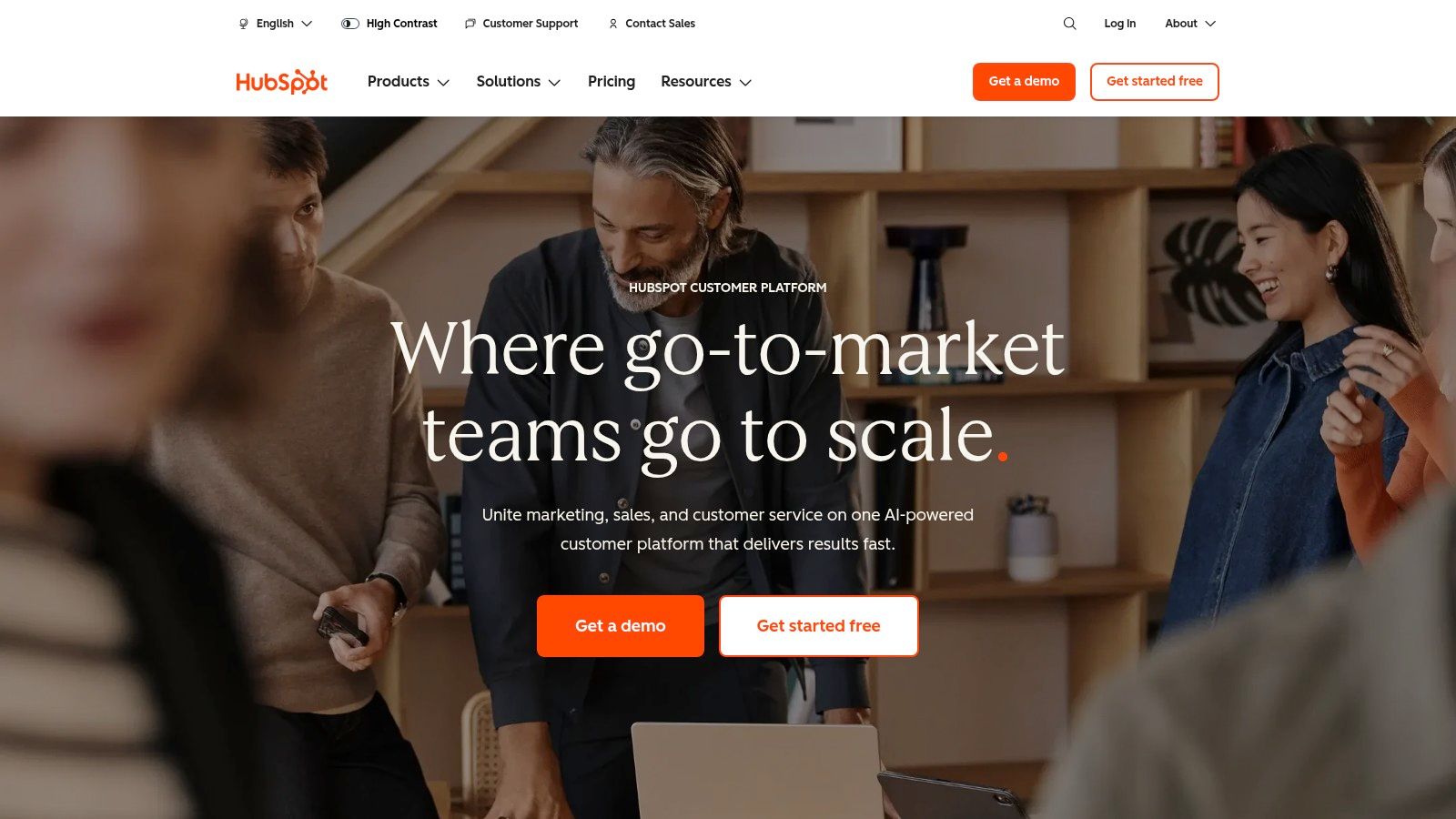
The platform enables businesses to automate everything from email marketing sequences and lead nurturing workflows to sales pipeline management and customer service ticketing. By connecting all customer touchpoints, HubSpot provides deep insights and reporting that are crucial for making informed decisions. To understand its practical application, exploring how it serves as a central hub for marketing automation for small business is a great way to see its potential. This integrated approach makes it one of the most comprehensive small business automation tools for those seeking a unified system.
Key Details & Use Cases
- Primary Use: Centralizing customer data and automating marketing, sales, and service workflows on a single platform.
- Best For: Small to medium-sized businesses that want an all-in-one solution that can scale with their growth, from initial lead capture to long-term customer retention.
- Limitations: The more advanced Professional and Enterprise tiers can be costly and may include mandatory onboarding fees, which can be a significant investment for smaller operations.
- Website: https://www.hubspot.com
6. Mailchimp
Mailchimp is a cornerstone of email marketing, renowned for its user-friendly interface that empowers small businesses to create sophisticated campaigns. Beyond simple newsletters, its strength lies in the "Customer Journey Builder," a visual tool for designing automated email sequences triggered by user actions like sign-ups, purchases, or abandoned carts. This feature makes it an accessible entry point into marketing automation for non-technical founders.
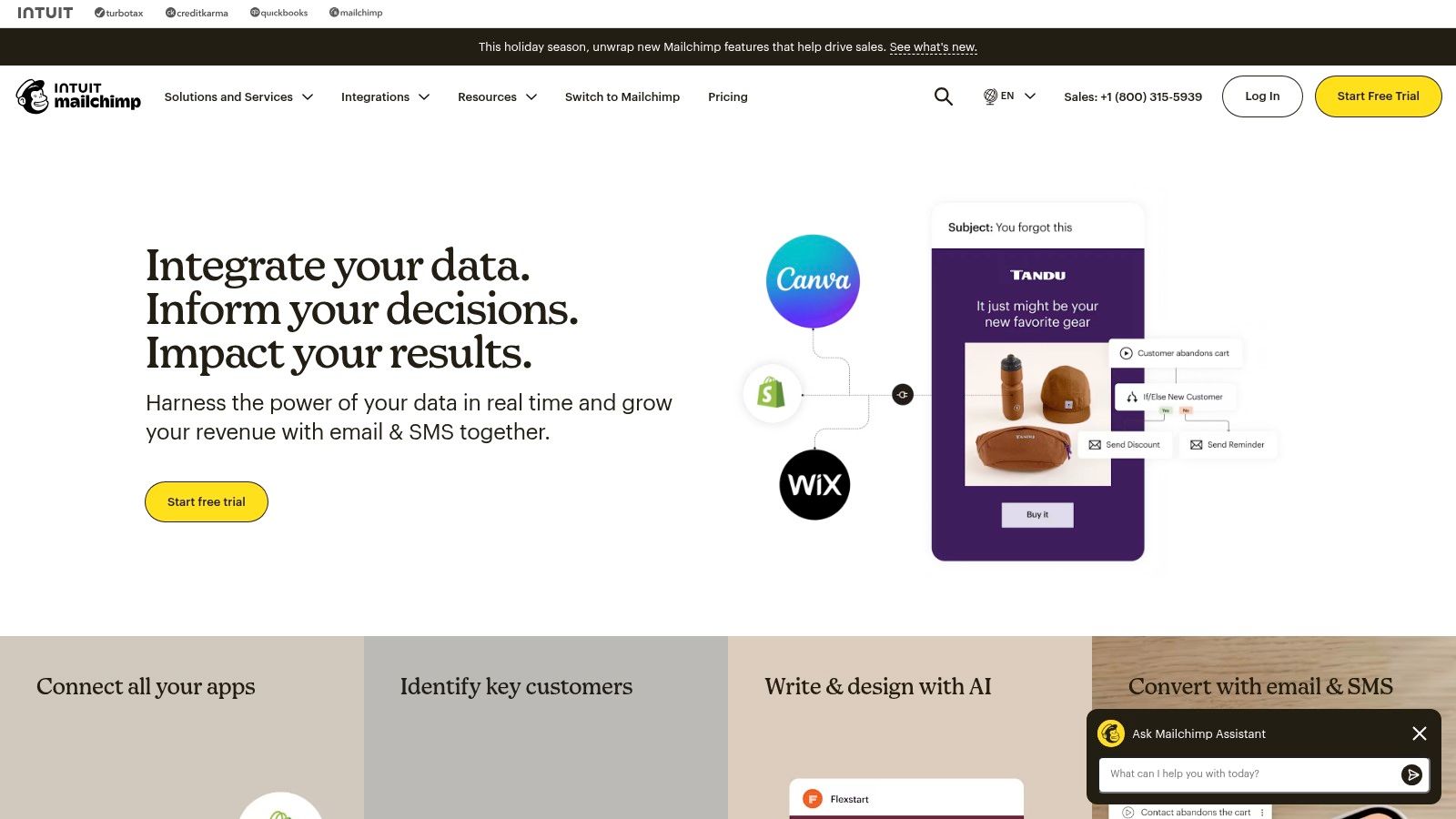
The platform has expanded beyond email to offer a more holistic marketing toolkit, including SMS capabilities, landing pages, and basic e-commerce features. Its wide support across thousands of third-party tools ensures it can integrate smoothly into an existing tech stack. For those comparing foundational marketing platforms, this detailed Brevo vs. Mailchimp guide for small teams offers valuable perspective on which might be a better fit. As one of the most recognized small business automation tools for marketing, it provides a solid foundation for growth.
Key Details & Use Cases
- Primary Use: Automating email marketing sequences, managing customer lists, and building multi-channel campaigns.
- Best For: Solo founders, content creators, and small e-commerce businesses needing a reliable and easy-to-use platform for starting and scaling their email marketing efforts.
- Limitations: The pricing model is directly tied to the number of contacts, which can become expensive as a business scales its audience. Exceeding contact or send limits on a plan can result in costly overage fees.
- Website: https://mailchimp.com
7. Intuit QuickBooks Online
Intuit QuickBooks Online is the dominant accounting software for U.S. small businesses, moving beyond simple bookkeeping to become a robust financial automation engine. Its core strength lies in automating the tedious, manual tasks associated with managing company finances. The platform automatically pulls in transactions from linked bank and credit card accounts, using user-defined rules to categorize expenses and income, which drastically reduces manual data entry and the potential for human error.
This focus on back-office efficiency makes it one of the most foundational small business automation tools for maintaining financial health. Automations like recurring invoices for retainer clients or scheduled bill payments ensure consistent cash flow and timely disbursements without constant oversight. While its pricing has increased and the company is pushing users towards its online subscription model, its widespread adoption by accountants and its massive app ecosystem make it an indispensable, integrated hub for financial operations.
Key Details & Use Cases
- Primary Use: Automating core accounting functions like transaction categorization, recurring billing, and financial reporting.
- Best For: Any small business, from solo consultants to small teams, that needs a reliable, scalable, and accountant-friendly system for managing its finances. It provides a strong alternative to platforms like Xero for those deeply embedded in the U.S. financial ecosystem.
- Limitations: The subscription cost can be a factor for very new businesses, and recent price increases in 2026 have been a point of friction for existing users. The push away from desktop versions may also alienate long-time users who prefer a one-time purchase model.
- Website: https://quickbooks.intuit.com
8. Zoho One
Zoho One positions itself as a comprehensive "operating system for business," offering a unified suite of over 45 integrated applications under a single license. For small businesses, this model tackles the problem of vendor sprawl by providing tools for CRM, finance, marketing, support, and operations all in one place. Instead of piecing together disparate systems, Zoho One allows for deep, native automation across departments, such as automatically converting a marketing lead into a CRM contact and then into a project task.
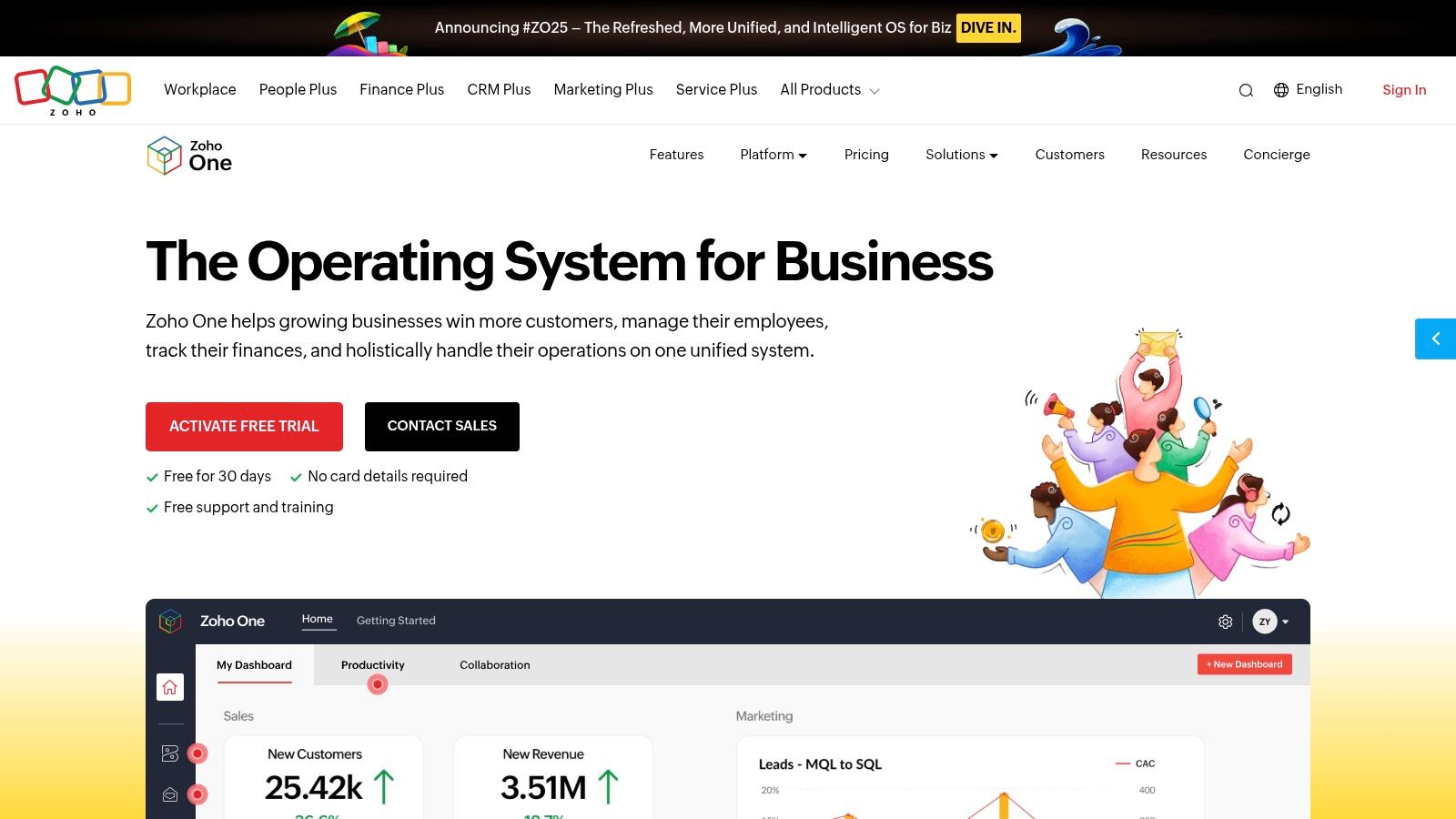
The platform's strength lies in its interconnected ecosystem, where data flows seamlessly between apps like Zoho CRM, Books, and Campaigns. This integration simplifies creating complex workflows without relying on third-party connectors. While the sheer number of applications can be overwhelming to onboard initially, the value of having a single, cohesive system for small business automation tools is immense for teams aiming to scale efficiently with a predictable, all-inclusive pricing model.
Key Details & Use Cases
- Primary Use: Providing an all-in-one suite of business applications to manage and automate sales, marketing, finance, HR, and operations from a single platform.
- Best For: Small to medium-sized businesses that want to consolidate their software stack and reduce integration overhead, creating a single source of truth for company data.
- Limitations: The onboarding process can be time-consuming due to the breadth of applications. Documentation and regional pricing can sometimes be inconsistent, requiring careful review.
- Website: https://www.zoho.com/one
9. Airtable
Airtable transcends the traditional spreadsheet by blending the simplicity of a grid interface with the power of a relational database. For small businesses, it serves as a flexible, no-code platform to build custom applications for operations, content workflows, inventory management, and even lightweight CRMs. Its strength lies in its ability to structure information in a way that makes sense for unique business processes, moving far beyond simple rows and columns.
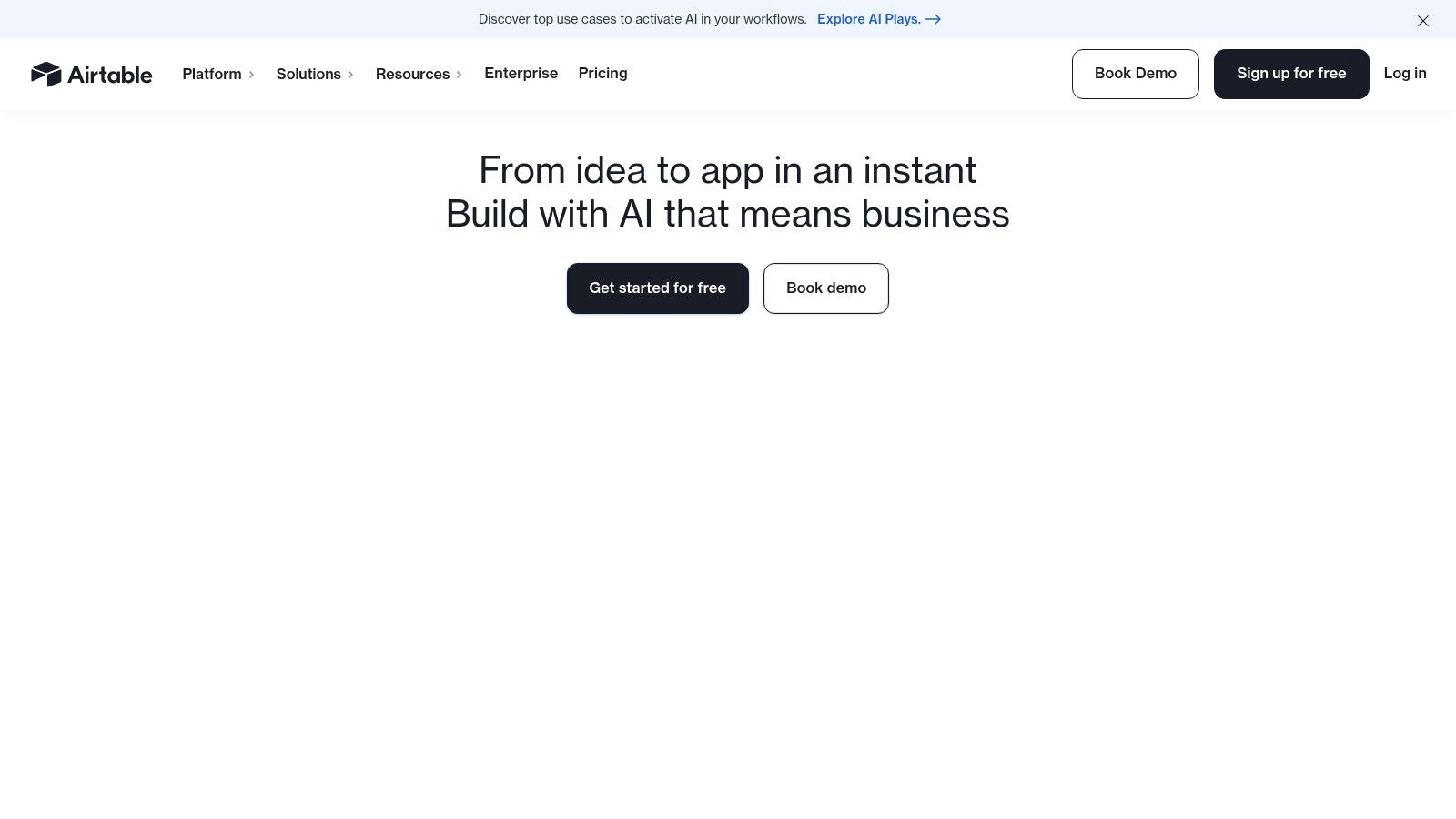
The platform includes built-in Automations to handle tasks directly within a base, like sending a notification when a project status changes or creating a record from a form submission. Its Interfaces feature allows users to build simple, focused dashboards and UIs for team members, abstracting away the complexity of the underlying data. As one of the most adaptable small business automation tools, Airtable is ideal for centralizing information and building the exact operational hub a company needs.
Key Details & Use Cases
- Primary Use: Building custom business applications and centralizing data for operations, marketing, and project management.
- Best For: Teams that need a flexible, shared database for complex workflows like content calendars, product roadmaps, or inventory tracking.
- Limitations: The per-base automation and run limits can be restrictive for high-volume processes, and pricing can scale quickly as you add more collaborators with full access.
- Website: https://airtable.com
10. Google Workspace Marketplace
The Google Workspace Marketplace acts as an official app store for businesses deeply integrated into Google's ecosystem. Instead of a single tool, it's a massive library of third-party add-ons designed to automate and extend the functionality of Gmail, Sheets, Docs, and Drive. For small businesses, this is a goldmine for finding niche solutions, like mail merge tools for Gmail or document generation add-ons for Sheets, without leaving their familiar work environment.
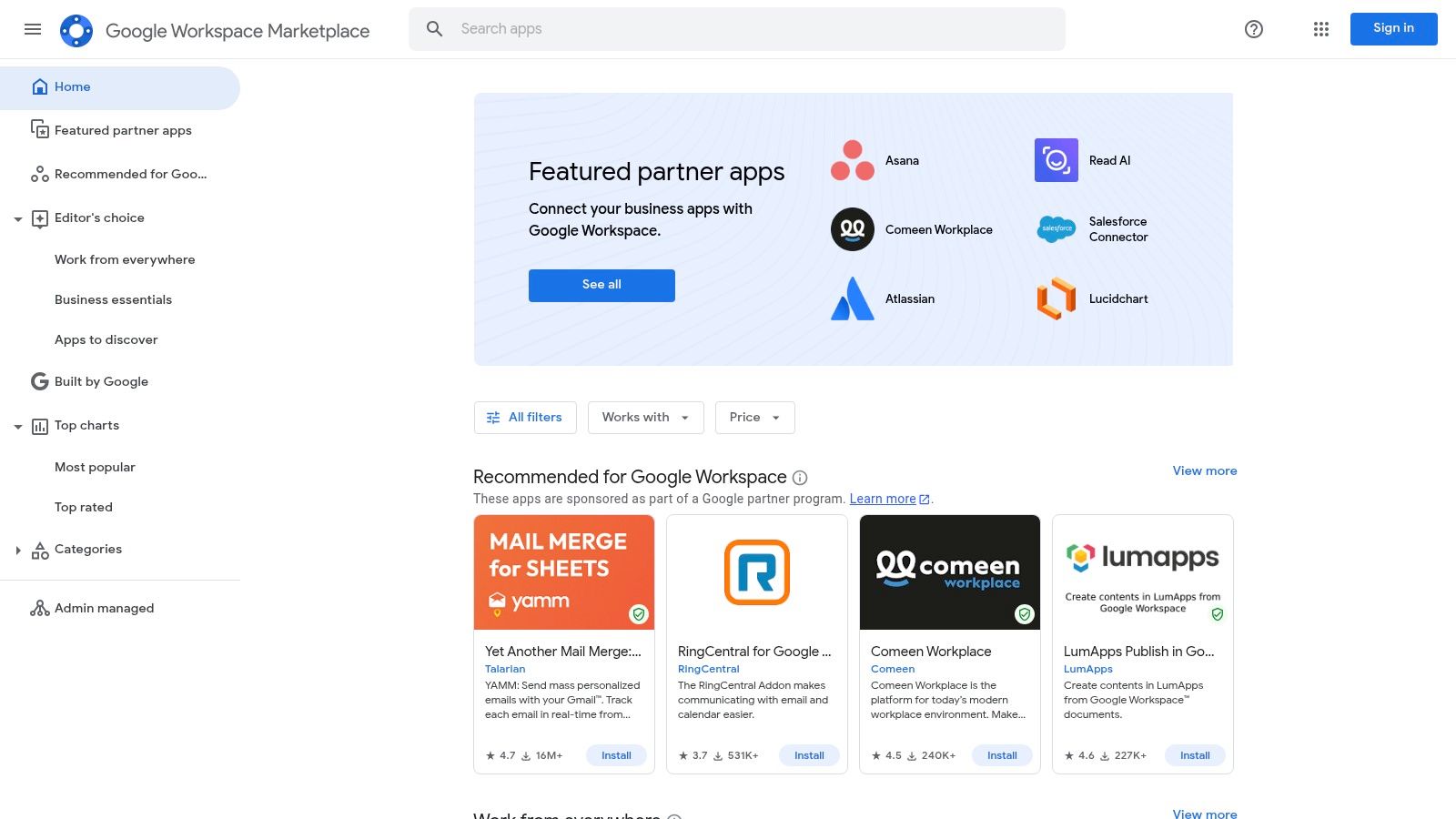
Its strength lies in seamless, one-click deployment and single sign-on (SSO) using existing Google accounts. This curated environment offers a vast selection of small business automation tools that are vetted by Google, simplifying the discovery process. While many apps are powerful, they often operate on a freemium model or require a separate subscription billed by the third-party vendor, so it's important to review the pricing for each add-on.
Key Details & Use Cases
- Primary Use: Discovering and installing add-ons to automate tasks directly within Google Workspace applications.
- Best For: Companies that run their entire operations on Google Workspace and need specific, targeted automations without adopting a whole new platform.
- Limitations: The quality and support can vary significantly between different third-party vendors. Additionally, managing multiple separate subscriptions for different add-ons can become complex and costly.
- Website: https://workspace.google.com/marketplace
11. Microsoft Marketplace (AppSource + Azure Marketplace)
For small businesses deeply integrated into the Microsoft ecosystem, the consolidated Microsoft Marketplace serves as a centralized hub for discovering and deploying vetted applications. It combines AppSource (for business apps like Microsoft 365 add-ins) and Azure Marketplace (for cloud solutions) into a single platform. This is particularly useful for finding specialized small business automation tools that are pre-configured to work seamlessly within your existing Microsoft software stack, simplifying procurement and deployment.
The marketplace’s primary advantage is governance and simplicity. You can find, try, and buy apps with centralized billing through your existing Microsoft account, avoiding separate procurement processes. Many listings, especially those in the SMB-focused sections, offer free trials, allowing you to test solutions directly within familiar environments like Teams or Dynamics 365 before committing. It streamlines the search for secure, compliant, and compatible automation solutions.
Key Details & Use Cases
- Primary Use: Discovering, purchasing, and deploying third-party applications and services that integrate directly with Microsoft cloud products like Azure and Microsoft 365.
- Best For: Microsoft-centric small businesses that want to enhance their existing software with vetted automation tools without managing multiple vendors and billing cycles.
- Limitations: The sheer breadth of the marketplace can be overwhelming to navigate, and some applications are clearly designed with an enterprise context and budget in mind.
- Website: https://www.microsoft.com/marketplace
12. AWS Marketplace
AWS Marketplace is Amazon Web Services' digital catalog, allowing businesses to find, purchase, and deploy third-party software. For small businesses already integrated into the AWS ecosystem, it simplifies procurement by consolidating billing and offering pre-configured software images for fast deployment. It's less of a direct automation tool and more of a central hub to acquire powerful applications, including many specialized small business automation tools, AI/ML services, and business intelligence software.
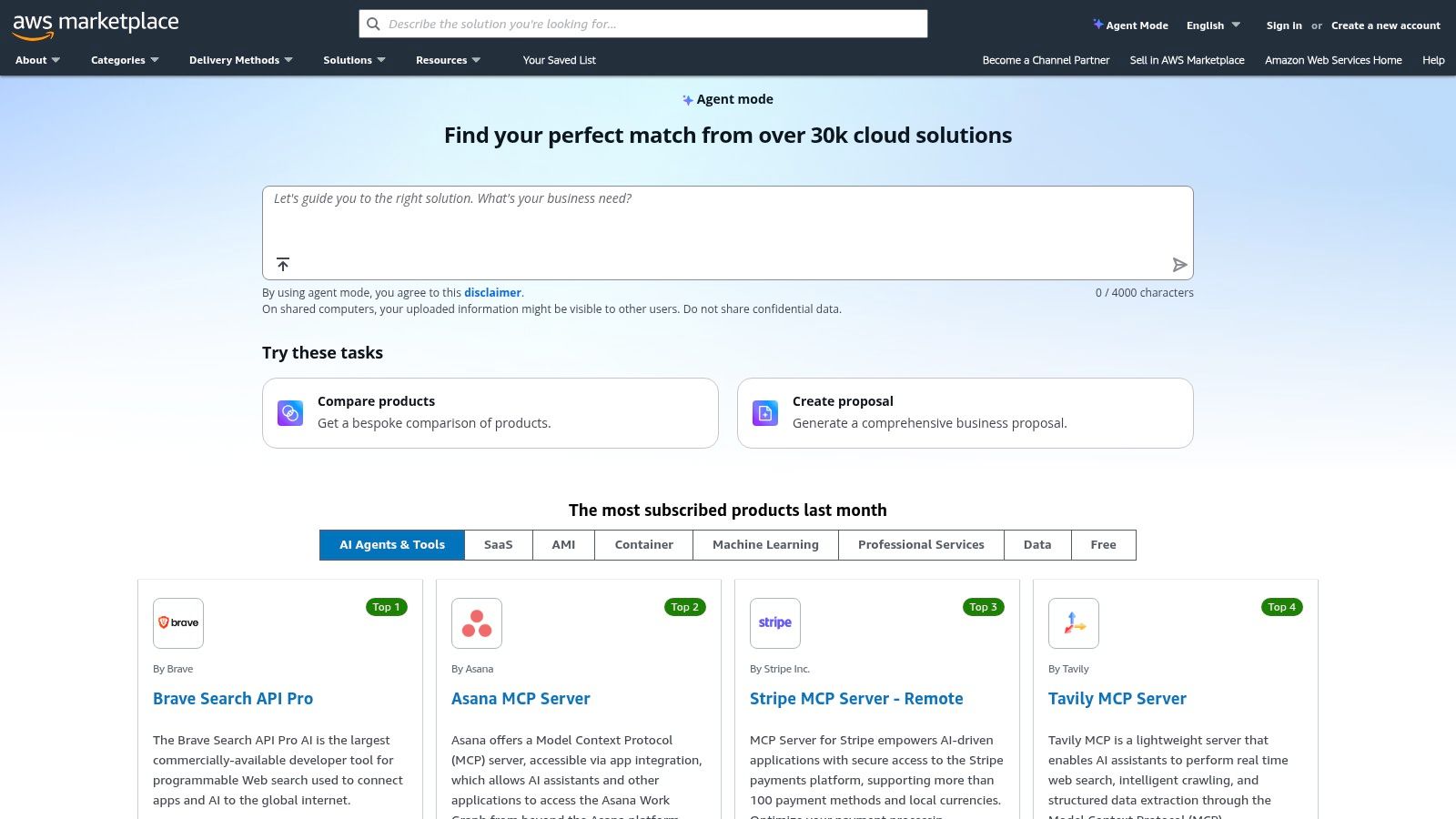
The platform streamlines the purchasing and management of software by leveraging your existing AWS account, roles, and cost controls. Instead of managing dozens of separate subscriptions, you can handle billing through a single AWS invoice. This provides enterprise-grade governance and a massive selection of tools, from security and analytics to robotic process automation (RPA), all deployable with just a few clicks. It’s a strategic choice for tech-savvy teams looking to scale their software stack efficiently.
Key Details & Use Cases
- Primary Use: Discovering, purchasing, and managing third-party software and services with unified AWS billing.
- Best For: Technically-inclined small businesses and startups that already use AWS for their infrastructure.
- Limitations: The platform is heavily skewed towards users already embedded in the AWS ecosystem, which can present a steep learning curve for newcomers. Many of the software offerings are also enterprise-focused, which may be overly complex for simpler needs.
- Website: https://aws.amazon.com/marketplace
Top 12 Small Business Automation Tools Comparison
| Tool | Core use case | Best for (target audience) | Key strengths (unique selling points) | Tradeoffs / price notes |
|---|---|---|---|---|
| Zapier | No-code app automation and AI agents | Non-technical SMBs and agencies needing fast integrations | Huge app library (6,000+), visual builder, many templates | Task/activity pricing can add up; security diligence advised |
| Make (Integromat) | Advanced visual scenarios and data transforms | Teams building complex multi-step flows and integrations | Fine-grained control, routers/iterators, strong debugging | Higher learning curve; credit-based usage model |
| Microsoft Power Automate | Low-code flows, RPA and process mining inside Microsoft stack | Organizations using Microsoft 365/Teams/Dynamics with governance needs | Deep MS integration, enterprise controls, multiple licensing options | Complex licensing and pricing matrix |
| Shopify (Shopify Flow) | Native ecommerce automation inside Shopify admin | Ecommerce SMBs on Shopify automating orders, inventory, marketing | Native deployment, fast setup, large app marketplace | Advanced features often need paid third-party apps; costs can scale |
| HubSpot | All-in-one CRM with marketing, sales and service automation | SMBs wanting unified customer data and scalable workflows | Unified data, built-in CRM+automation, large integrations | Higher cost and onboarding fees at Professional/Enterprise tiers |
| Mailchimp | Email journeys, basic multichannel campaigns and segmentation | Small businesses starting email automation and commerce outreach | Easy to start, many templates, transparent limits | Pricing grows with contacts; risk of overages |
| QuickBooks Online | Accounting automation: bank feeds, rules, billing, payroll | US SMBs and accountants automating finance tasks | Accountant-friendly, broad integrations, payroll and payments | Price increases in 2026; desktop subscriptions not sold to new users |
| Zoho One | All-in-one suite of 45+ apps with unified admin and Flow automation | SMBs that want to reduce vendor sprawl and cover many departments | Strong value for multi-department use, unified admin and SSO | Onboarding across many apps can be time-consuming; regional doc variance |
| Airtable | No-code database with built-in automations and interfaces | Ops, content teams and lightweight CRM/custom workflows | Flexible data model, multiple views, built-in automations | Automation/run limits per base; pricing varies by collaborators |
| Google Workspace Marketplace | Curated add-ons and automation for Gmail/Sheets/Docs | Google Workspace domains needing productivity add-ons | Seamless deployment, SSO, wide SMB-friendly selection | Quality varies by vendor; many tools require separate subscriptions |
| Microsoft Marketplace (AppSource + Azure) | Microsoft-focused apps, AI agents and add-ins with centralized procurement | Microsoft-centric SMBs and IT teams needing vetted apps | Centralized billing, security/compliance vetting, enterprise options | Some listings expect enterprise context; marketplace is broad to navigate |
| AWS Marketplace | SaaS, AMI and data products with AWS procurement and billing | Teams on AWS needing preconfigured images, SaaS and data products | Enterprise-grade procurement, flexible consumption models, broad catalog | Best for AWS users; many offerings skew enterprise and complex deployments |
Your Next Step: Implement One Workflow This Week
You've just navigated a comprehensive map of the automation landscape, from powerful integrators like Zapier and Make to all-in-one platforms such as HubSpot and Zoho One. We've explored specific, actionable tool stacks designed to solve the most pressing challenges for small businesses: capturing leads, nurturing relationships, streamlining operations, and repurposing content. The sheer volume of options can feel paralyzing, but the goal was never to have you adopt everything at once.
The single most important takeaway is this: Automation is not about the tools; it's about the systems you build with them. The power lies in creating repeatable, reliable workflows that free up your most valuable asset, your time, to focus on strategic growth. The biggest mistake you can make now is getting stuck in analysis paralysis and doing nothing.
How to Choose Your First Automation Project
To get started, don't think about which tool is "best." Instead, ask yourself: "What is my single biggest bottleneck right now?" Pinpoint the one repetitive, manual task that drains the most energy or causes the most errors in your business.
- Is it lead management? If you're manually copying contact info from forms into a spreadsheet, start with the Lead Capture & CRM stack. A simple Zap connecting Leadpages to a CRM or even a Google Sheet can be a game-changer.
- Is it financial admin? If you spend hours chasing invoices or reconciling accounts, focus on the Billing & Finance stack. Connecting your payment processor to Xero or QuickBooks can instantly save you hours each month.
- Is it content creation? If the thought of populating your social media calendar is exhausting, look at the Content Repurposing stack. Setting up a workflow with Opus Clips and SocialBee can turn one long-form video into a week's worth of content.
Your 30-Minute Implementation Challenge
Your mission is simple: choose one workflow and implement the 30-60 minute quick-start playbook associated with it this week. Don't aim for perfection. The goal is to get a "version 1.0" of your automation live. You can always refine and expand it later. Getting that first small win is crucial for building momentum.
Remember, the right small business automation tools are the ones that you actually implement and use. By automating just one key process, you’re not just saving a few hours; you’re building a more resilient, scalable, and efficient business. You are laying the foundation for a company that can grow without demanding every minute of your day. Now, pick your bottleneck and build your first system.