12 Best SEO Tools for Beginners in 2026
These SEO tools actually make sense when you're starting out — free essentials, affordable upgrades, and when to invest in each.


Navigating the world of SEO can feel overwhelming, especially when faced with hundreds of available tools. The paradox of choice is real: which platforms are essential, which are "nice-to-haves," and which are just expensive distractions for someone starting out? This guide is designed to cut through that noise. We've curated a definitive list of the best SEO tools for beginners, specifically for solo founders, small marketing teams, and content creators who need to make an impact without a massive budget or a dedicated SEO expert. Before you start, if you need a refresher on the fundamentals, our guide, What is Search Engine Optimization: A Practical Guide, provides a solid foundation.
This isn't another generic list. We move beyond marketing fluff to give you a practical, task-oriented toolkit. Instead of just listing features, we show you how and when to use each tool to achieve specific goals. You will find platforms grouped by core SEO functions like keyword research, on-page content optimization, technical site audits, and backlink analysis.
For every tool mentioned, from free essentials like Google Search Console to more advanced platforms like Ahrefs and Semrush, you'll get a clear breakdown. We'll cover specific use cases, provide an honest look at limitations, and include screenshots to guide you. This resource is built to help you make informed decisions, choose the right stack for your current needs, and understand the exact moment it makes sense to upgrade to a paid plan. Let's build your first, effective SEO toolkit.
1. Google Search Console
If you only use one tool from this list, make it this one. Google Search Console (GSC) is the non-negotiable starting point for anyone serious about SEO. It is Google's free service that helps you monitor, maintain, and troubleshoot your site's presence in their search results. Think of it as a direct communication channel between your website and the search engine itself.
GSC is the definitive source for understanding how Google sees your site. You can submit sitemaps, check if specific pages are indexed, and receive alerts when Google encounters indexing, spam, or other issues on your site. For those just starting, this is one of the most essential seo tools for beginners because it provides foundational, diagnostic data you cannot get anywhere else.
Why It's a Must-Have
Unlike third-party tools that estimate traffic and rankings, GSC provides actual performance data. The "Performance" report shows you the exact queries users are searching to find your site, along with impressions, clicks, click-through rate (CTR), and average position. This insight is invaluable for identifying content opportunities and understanding user intent.
- Pricing: 100% Free
- Best For: All website owners, especially solo founders and small teams needing to establish a technical SEO baseline.
- Unique Feature: Direct, unfiltered performance data and indexing status from Google.
Pro Tip: Regularly check the "Coverage" report to find and fix indexing errors. Pages with errors are invisible to searchers, and this report is your primary tool for diagnosing why a page isn't showing up in Google's results.
Website: https://search.google.com/search-console
2. Google Keyword Planner (within Google Ads)
After you've set up Search Console, your next stop for keyword research should be Google Keyword Planner. Housed within the Google Ads platform, this tool is designed for advertisers but offers invaluable insights for SEO. It provides keyword ideas and, most importantly, search volume data directly from Google, giving you a reliable baseline for how often people are searching for specific terms.
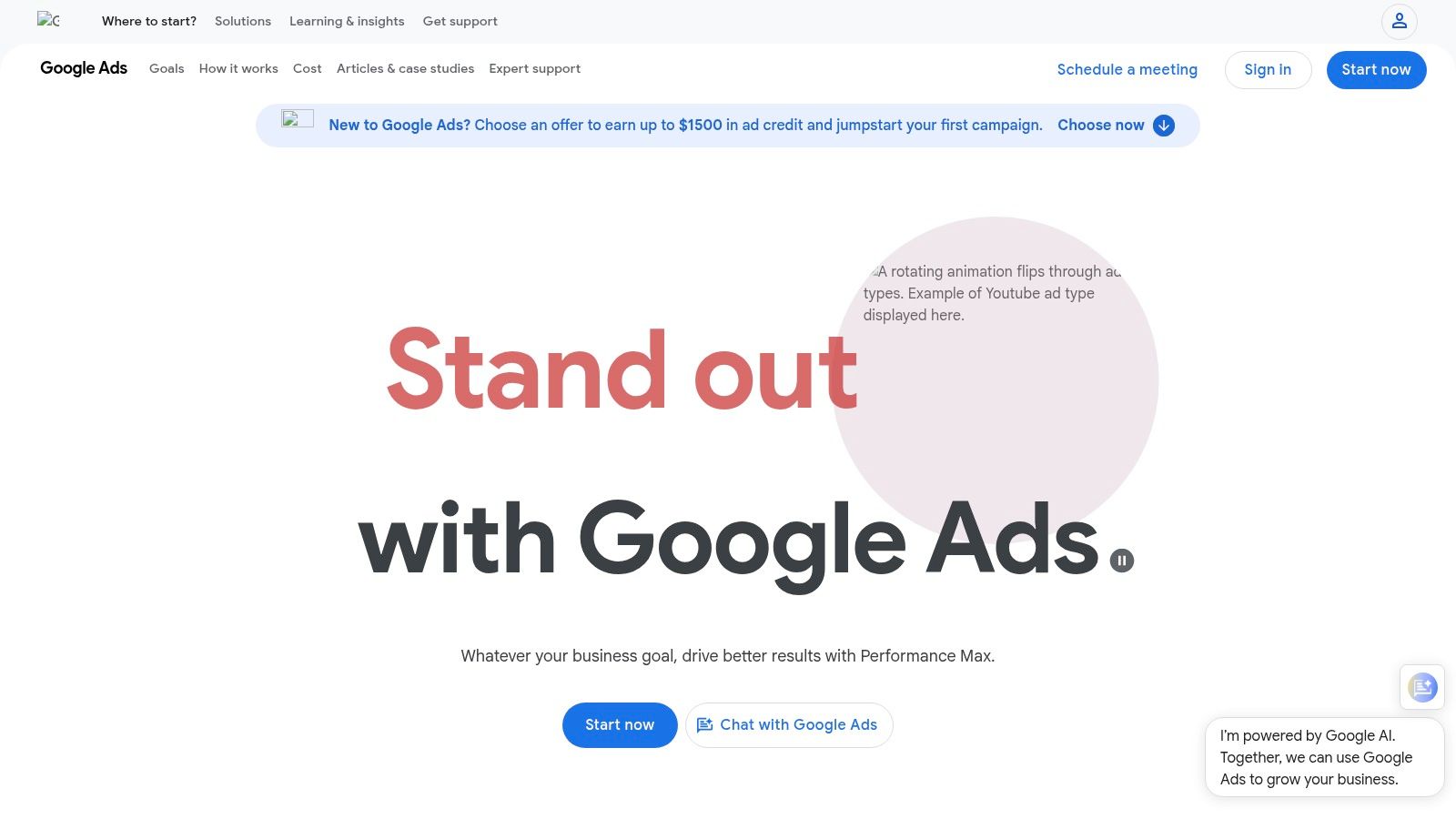
While many advanced tools exist, the Keyword Planner is one of the most fundamental seo tools for beginners because its data comes straight from the source. You can discover new keywords related to your business, see historical trends, and get forecasts for how they might perform. For those just starting, it's the perfect way to understand the language your potential customers use when searching for solutions you provide. To get the most out of it, learn more about how to do seo optimization yourself.
Why It's a Must-Have
Unlike third-party estimators, Google Keyword Planner gives you access to the search engine's own data on query volume. While non-spending accounts often see broad volume ranges (e.g., 1K-10K), these are still highly useful for comparing the relative popularity of different keywords. It helps you prioritize content ideas based on actual search demand rather than pure guesswork, a critical step for an effective SEO strategy.
- Pricing: Free (requires a Google Ads account, but no ad spend is necessary to use it).
- Best For: Beginners, content creators, and small businesses needing foundational keyword data without a paid subscription.
- Unique Feature: Provides keyword search volume estimates and trend data directly from Google's own database.
Pro Tip: Use the "Discover new keywords" feature by entering a competitor's URL. The tool will analyze their site and suggest keywords they are likely targeting, giving you a quick list of relevant terms to explore for your own content.
3. Semrush
If Google Search Console is your car's dashboard, Semrush is the high-tech GPS and engine diagnostic system combined. It's a powerful, all-in-one SEO suite that goes beyond your own site's data to give you a full view of the competitive landscape. While its vast feature set can seem intimidating, its beginner-friendly SEO Toolkit provides a clear starting point for core tasks like keyword research, rank tracking, and site audits.
Semrush truly shines in its ability to deconstruct your competitors' strategies. You can see which keywords they rank for, where their backlinks come from, and even estimate their search traffic. This makes it one of the most versatile seo tools for beginners aiming to not just optimize their own site, but to understand and outperform others in their niche. For a deeper dive into this, mastering competitive intelligence is key to leveraging these insights effectively.
Why It's a Must-Have
Semrush provides a scalable path for growth. You can start with the basic SEO tools and, as your skills and needs expand, explore advanced modules for content marketing, local SEO, and social media without ever leaving the platform. Its Domain Overview report offers a quick, comprehensive snapshot of any website's online health, making initial analysis fast and actionable. For more information on how to use its data effectively, check out this guide on keyword research for small business.
- Pricing: Starts with a free plan (limited functionality); paid plans from ~$129.95/month.
- Best For: Ambitious beginners and small teams who want a single tool that can grow with them from basic SEO to advanced digital marketing.
- Unique Feature: Unmatched competitive analysis tools that provide deep insights into any competitor’s SEO and advertising strategy.
Pro Tip: Use the "Keyword Magic Tool" to discover long-tail keywords. Filter by "Questions" to find the exact queries your audience is asking, giving you perfect topics for blog posts and FAQ pages that address real user needs.
Website: https://www.semrush.com
4. Ahrefs
While many all-in-one SEO platforms can feel overwhelming, Ahrefs offers a powerful yet surprisingly accessible entry point. It's renowned for having one of the most robust backlink indexes on the web, making it an industry-standard tool for competitive analysis. For those new to SEO, it provides a comprehensive suite of tools that scales with your knowledge, from initial site audits to advanced keyword research.
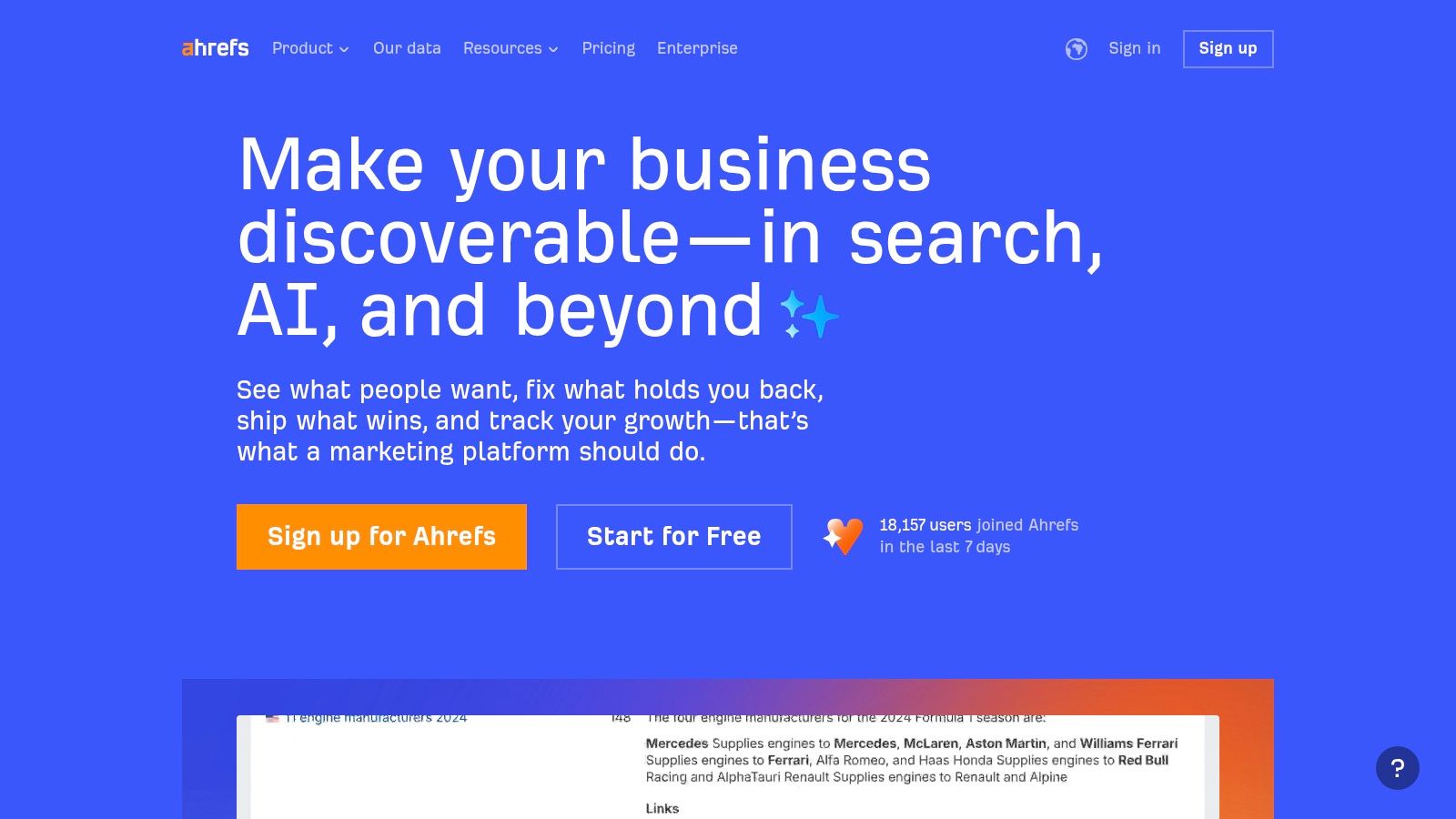
The real game-changer for new users is Ahrefs Webmaster Tools (AWT). This free offering allows you to verify your own website and get access to the powerful Site Audit and Site Explorer tools, normally reserved for paying customers. This makes Ahrefs one of the best seo tools for beginners, as it lets you diagnose your own site’s technical issues and track keyword rankings without any initial investment.
Why It's a Must-Have
Ahrefs excels at turning complex data into actionable insights. Its "Keywords Explorer" tool provides best-in-class keyword difficulty scores and traffic estimations, while the "Site Explorer" gives you a clear view of your competitor’s backlink profile and top-performing pages. This combination is crucial for developing a content strategy that has a real chance of ranking. The user interface is clean, and the platform is packed with helpful tutorials to guide you.
- Pricing: Free plan (Ahrefs Webmaster Tools) available; paid plans start at $99/month.
- Best For: Solo founders and small marketing teams ready to move beyond basic analytics and dive into competitive research and link building.
- Unique Feature: An incredibly comprehensive backlink index combined with a generous free plan (AWT) for auditing your own site.
Pro Tip: Use the "Content Gap" feature within Site Explorer to find keywords your competitors are ranking for, but you aren't. This is a quick and effective way to discover high-value content opportunities you may have missed.
Website: https://ahrefs.com
5. Moz (Moz Pro + MozBar)
Moz has long been a respected voice in the SEO industry, and their suite of tools reflects their commitment to education and accessibility. Moz Pro is a comprehensive toolkit covering keyword research, link building, site audits, and rank tracking, but it’s their approachability that makes it stand out. They simplify complex data into actionable scores and insights, making it one of the most popular seo tools for beginners.
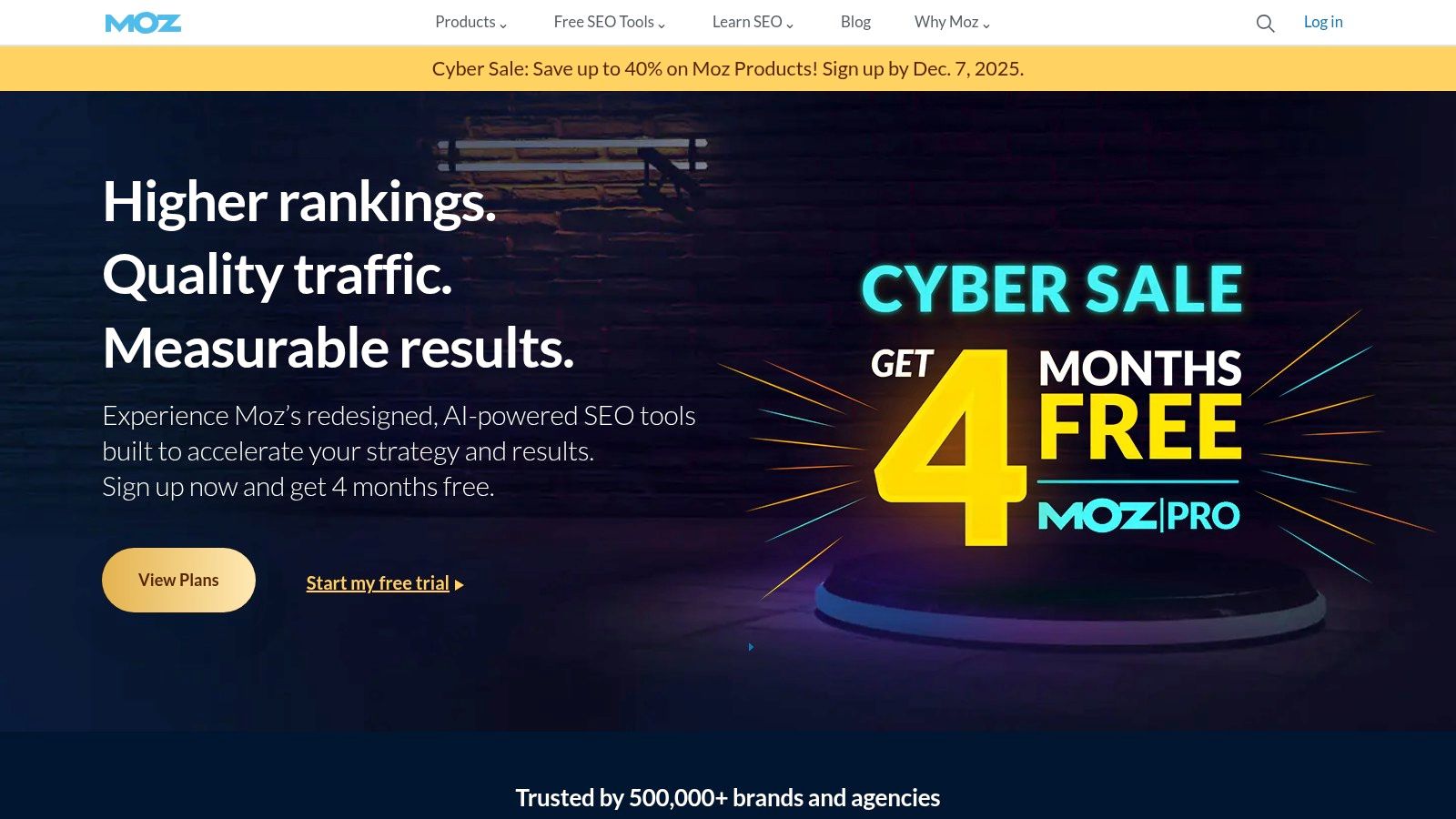
The free MozBar browser extension is an excellent entry point, allowing you to see key metrics like Domain Authority and Page Authority for any site you visit directly in your browser. This provides a quick way to gauge a competitor's strength or evaluate a potential backlink opportunity without having to log into a separate platform. The combination of powerful core tools and on-the-fly browser insights makes Moz a fantastic learning environment for newcomers.
Why It's a Must-Have
For beginners, the most intimidating part of SEO can be the sheer volume of data. Moz excels at translating this data into understandable concepts. Metrics like "Keyword Difficulty" and "Domain Authority" provide clear, simple benchmarks to guide your strategy. Their Keyword Explorer tool is particularly helpful, offering not just volume and difficulty but also a "Priority" score that helps you decide which keywords to target first.
- Pricing: Free tools (like MozBar with limited features) and paid Moz Pro plans starting at $99/month.
- Best For: Beginners and marketers who want a guided experience with strong educational resources and clear, simplified metrics.
- Unique Feature: The MozBar browser extension for instant, on-page SEO metrics and competitive analysis while browsing the web.
Pro Tip: Use the "Link Intersect" feature within Link Explorer to see which websites are linking to your competitors but not to you. This is a goldmine for finding high-value, relevant backlink opportunities.
Website: https://moz.com
6. Ubersuggest (Neil Patel)
Ubersuggest positions itself as an approachable, all-in-one SEO platform designed to demystify search engine optimization for newcomers. It bundles keyword research, competitor analysis, a site audit tool, and rank tracking into a single, user-friendly interface. While many comprehensive tools can be overwhelming, Ubersuggest guides users with clear visuals and simplified data points.
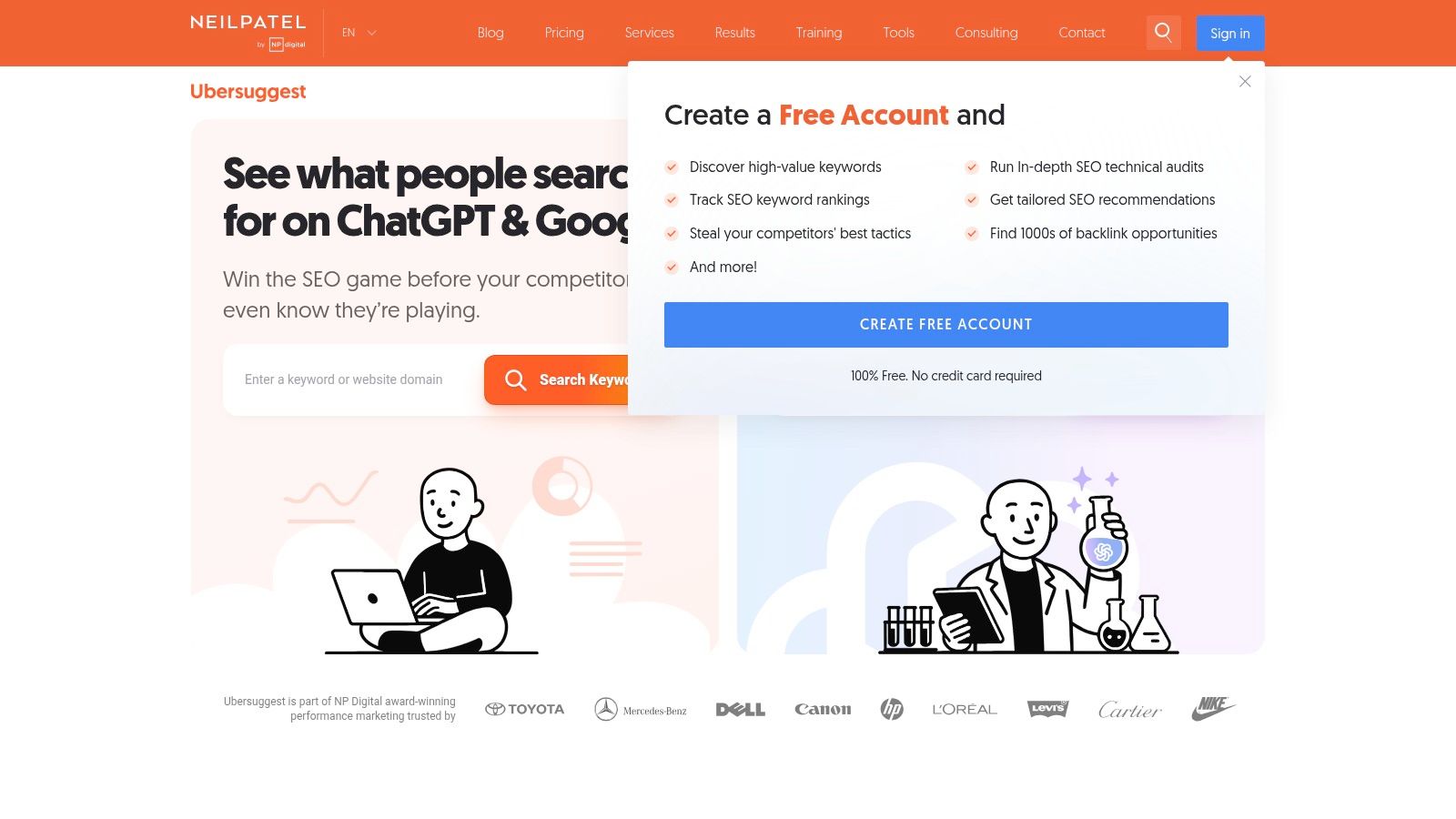
This tool is a popular entry point for those who want more than just Google's free tools but aren't ready for the high price tag of enterprise-level software. It excels at generating keyword ideas, showing you who links to your competitors, and finding content gaps. For those just starting out, it’s one of the most cost-effective seo tools for beginners that provides a wide range of features, including recent AI additions for content creation.
Why It's a Must-Have
Ubersuggest’s main advantage is its low barrier to entry, both in terms of usability and cost. The dashboard is clean, and the data is presented with helpful context, making it less intimidating than more advanced platforms. The competitor analysis features are particularly useful, allowing you to quickly see a competitor's top pages and keywords, providing a straightforward roadmap for your own content strategy.
- Pricing: Limited free plan available; paid plans start around $29/month, with lifetime deals often available.
- Best For: Solopreneurs, bloggers, and small businesses looking for an affordable, all-in-one tool to get started with SEO.
- Unique Feature: Frequent offering of a lifetime payment option, which is rare in the SEO software industry.
Pro Tip: Use the "Content Ideas" report to find topics that are popular on social media and have strong backlink profiles. This helps you identify proven content formats before you invest time in creating them.
Website: https://neilpatel.com/ubersuggest/
7. Mangools (KWFinder suite)
If you're looking for a suite of tools that balances power with simplicity, Mangools is an exceptional choice. The package combines five core SEO tools into one subscription, offering a streamlined experience perfect for those who find larger platforms overwhelming. It's designed to be intuitive, presenting key data points without the clutter common in more advanced software.
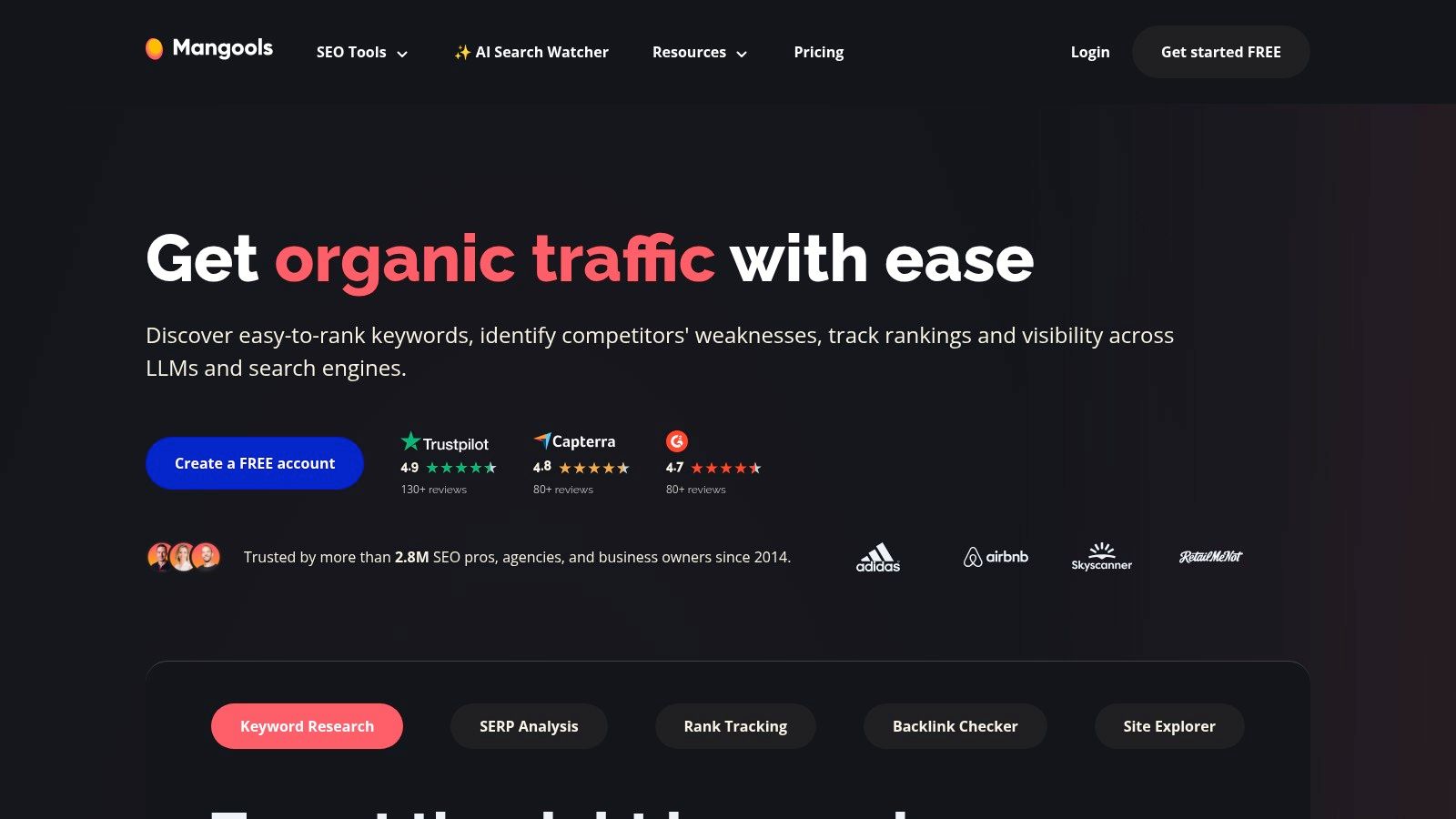
The standout tool in the suite is KWFinder, renowned for its excellent user interface and accurate keyword difficulty score. It makes finding low-competition keywords a straightforward process, which is a critical skill for new sites trying to gain traction. As a collection of seo tools for beginners, Mangools provides a gentle learning curve while still delivering the essential data needed to make informed decisions about your content and link-building strategies.
Why It's a Must-Have
Mangools excels at presenting complex SEO data in a visually appealing and easy-to-digest format. Instead of overwhelming you with endless metrics, it focuses on what matters most for a beginner: finding achievable keywords (KWFinder), analyzing SERP competition (SERPChecker), tracking your rankings (SERPWatcher), and basic backlink analysis (LinkMiner). It's an all-in-one toolkit that grows with you.
- Pricing: Free plan with limited daily lookups; Paid plans start at $29/month.
- Best For: Bloggers, solopreneurs, and small businesses who need a powerful but user-friendly keyword research and analysis tool without a steep learning curve.
- Unique Feature: The KWFinder tool's intuitive interface and highly regarded keyword difficulty metric.
Pro Tip: Use SERPChecker to analyze the search results for your target keyword. Look at the Domain Authority (DA) and backlink profiles of the top-ranking pages to realistically assess your chances of ranking and determine the effort required.
Website: https://mangools.com
8. SE Ranking
SE Ranking positions itself as a powerful, all-in-one SEO platform but with a pricing structure and interface that won't overwhelm a newcomer. It packages a wide array of features, from daily rank tracking and in-depth website audits to keyword research and backlink analysis, into a single, cohesive dashboard. This makes it an excellent choice for solo founders or small teams who want comprehensive data without the enterprise-level price tag.
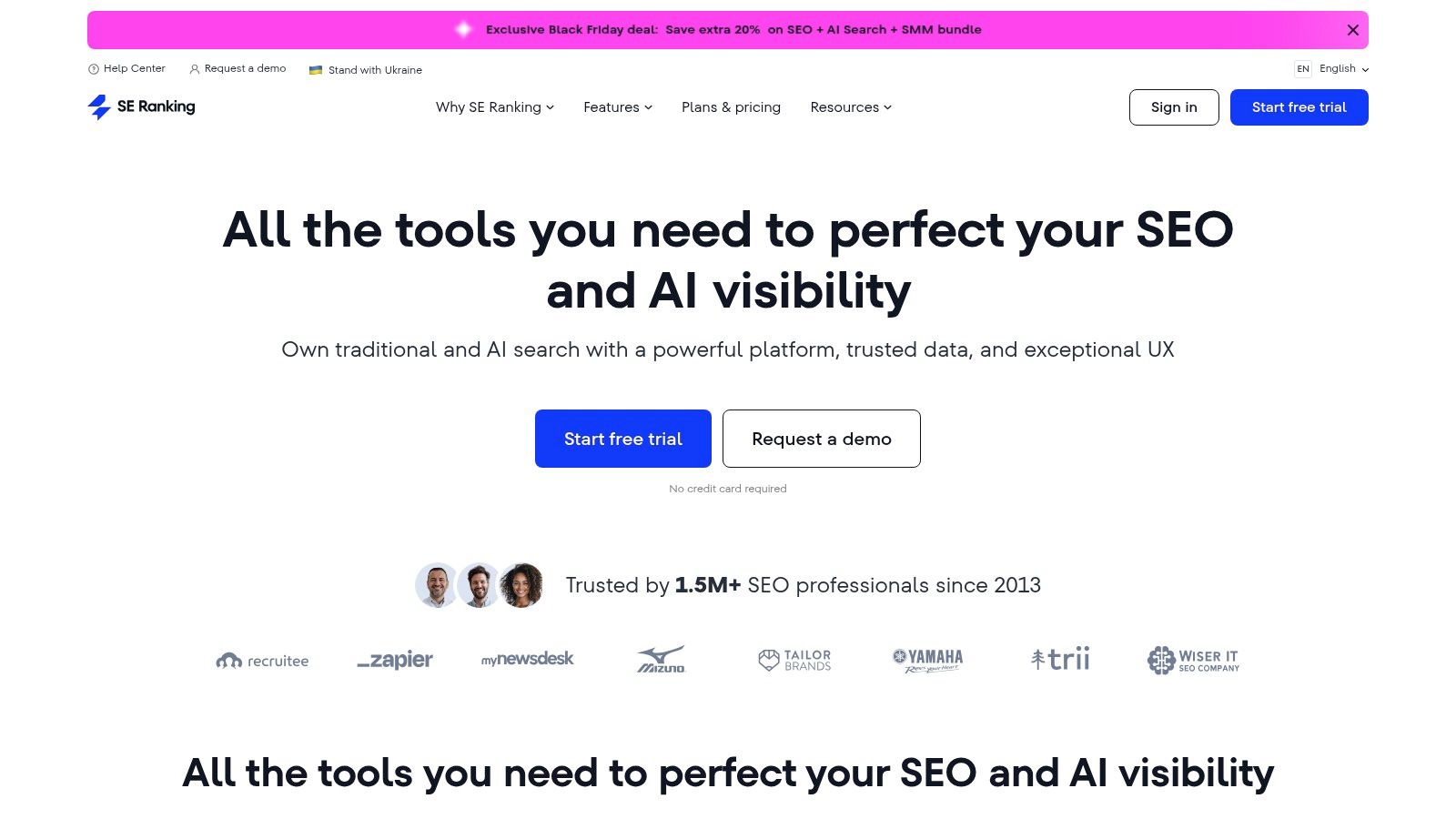
Unlike some competitors that lock essential features behind expensive tiers, SE Ranking provides a robust toolkit even at its entry-level plan. It's one of the more accessible yet feature-rich seo tools for beginners looking to graduate from free-only options to a more serious setup. The clear interface and guided project setup help you get started quickly, turning complex data into actionable tasks.
Why It's a Must-Have
SE Ranking’s main advantage is its balance of functionality and affordability. The platform provides reliable daily rank tracking, competitor analysis, and technical SEO audits that are easy to understand. It democratizes access to data that is often reserved for higher-priced tools, giving beginners a real chance to compete. The 14-day free trial, which doesn't require a credit card, is a standout feature that lets you fully explore its capabilities risk-free.
- Pricing: Starts at $44/month (paid annually). A 14-day free trial is available without a credit card.
- Best For: Freelancers, small business owners, and marketing teams needing a full SEO suite on a reasonable budget.
- Unique Feature: An optional AI Search add-on to monitor your website's visibility in AI-generated search results and answers.
Pro Tip: Use the "Website Audit" tool to run your first project. It will generate a prioritized to-do list of technical and on-page issues, giving you a clear, step-by-step roadmap for your initial SEO improvements.
Website: https://seranking.com
9. Screaming Frog SEO Spider
When you're ready to dive into the more technical side of SEO, Screaming Frog is the industry-standard tool for the job. It’s a powerful and fast website crawler that lives on your desktop, allowing you to analyze your site’s on-page SEO by fetching key data elements. It essentially acts like a search engine bot, crawling your pages to give you a comprehensive technical overview.

For newcomers, it helps you quickly find common but critical issues like broken links (404s), improper redirects, and duplicate content. While the interface can seem intimidating at first, the free version is one of the most generous seo tools for beginners, letting you crawl up to 500 URLs. This is more than enough to conduct a basic audit on most small to medium-sized websites and learn the fundamentals of technical site health.
Why It's a Must-Have
Screaming Frog empowers you to perform a professional-level technical SEO audit without a recurring monthly subscription. You can find exactly which pages are missing title tags, have meta descriptions that are too long, or images with missing alt text. This level of detail is crucial for ensuring your site is perfectly optimized for search engine crawlers, and the wealth of online tutorials makes its advanced features accessible even to those just starting out.
- Pricing: Free for up to 500 URLs; Paid license for unlimited crawling and advanced features.
- Best For: Beginners wanting to learn technical SEO, freelancers, and small businesses needing to conduct in-depth site audits.
- Unique Feature: A comprehensive desktop-based site crawler with a highly generous free tier.
Pro Tip: Use the "Crawl Analysis" feature after a crawl is complete. Go to Crawl Analysis > Configure and run it to get an automated overview of potential issues found on your site, which helps prioritize what to fix first.Website: https://www.screamingfrog.co.uk/seo-spider/pricing/
10. Yoast SEO
For anyone using WordPress, Yoast SEO is often the first and most fundamental SEO plugin they install. It integrates directly into your page and post editor, providing real-time feedback and a simple "traffic light" system to guide your on-page optimization. This immediate guidance makes it one of the best seo tools for beginners looking to learn the ropes of content optimization directly within their content management system.
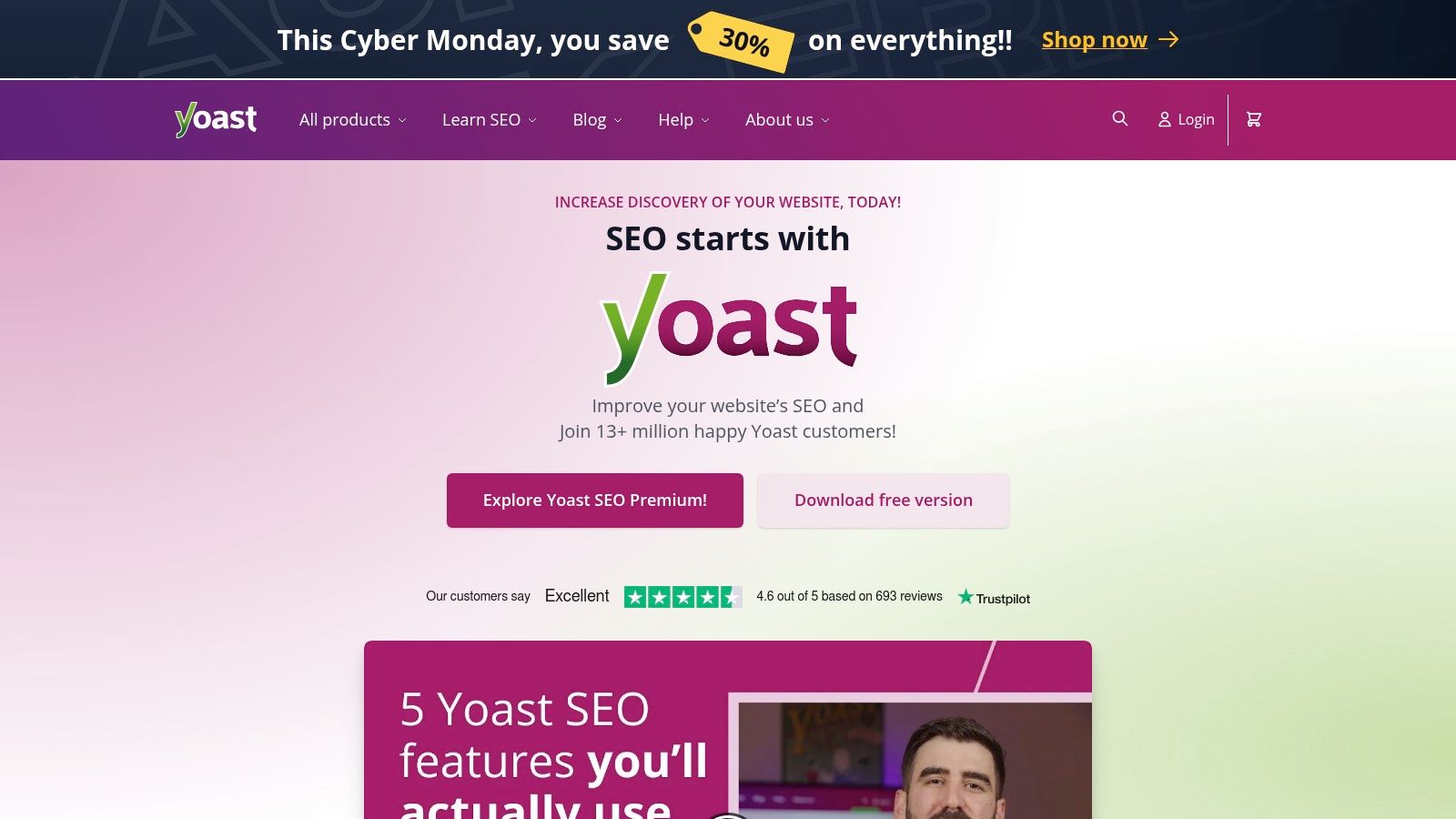
Yoast demystifies on-page SEO by turning it into a checklist. It analyzes your content for factors like keyword usage, meta description length, readability, and image alt attributes. While its primary function is on-page guidance, it also handles crucial technical tasks behind the scenes, such as generating XML sitemaps and adding schema markup to help search engines better understand your content. It is also available for Shopify, extending its reach beyond the WordPress ecosystem.
Why It's a Must-Have
Yoast's strength lies in its accessibility. Instead of working with abstract SEO concepts in a separate tool, you get actionable advice right where you write your content. The Premium version enhances this with powerful features like an automatic redirect manager to handle deleted pages, and intelligent internal linking suggestions to help you build a strong site structure. The bundled access to Yoast SEO Academy also provides a fantastic educational resource for those eager to deepen their knowledge.
- Pricing: Free version available; Premium starts at $99/year per site.
- Best For: WordPress and Shopify users, bloggers, and small business owners who want in-editor SEO guidance.
- Unique Feature: Real-time, checklist-style on-page SEO and readability analysis directly within the CMS editor.
Pro Tip: Don't obsess over getting a "perfect green light" on every single post. Use Yoast's suggestions as a guide, not a rigid rule. Focus on creating high-quality, natural-sounding content for your audience first, then use the tool to check for any missed optimization opportunities.
Website: https://yoast.com
11. Rank Math
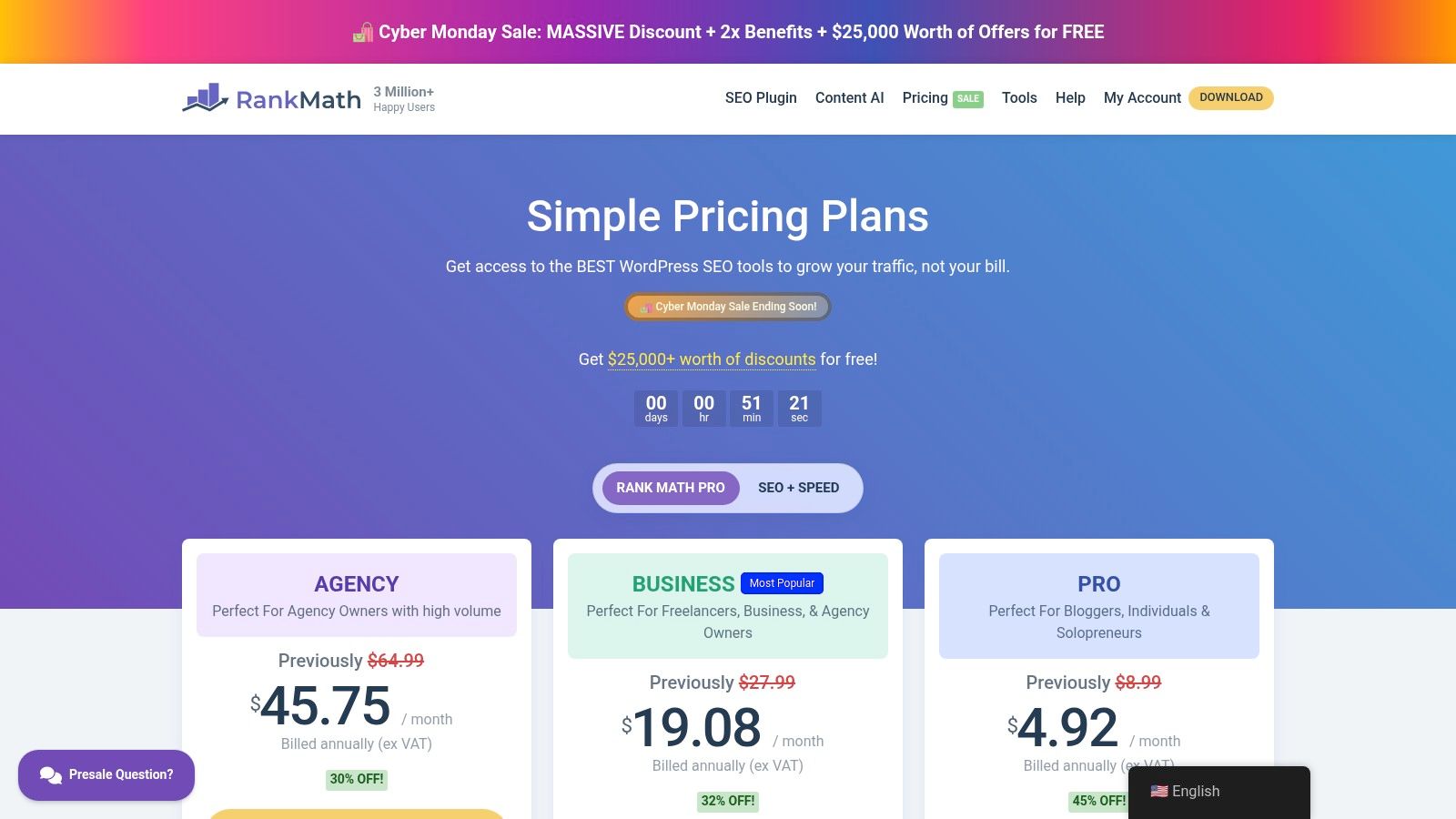
For WordPress users, a dedicated SEO plugin is non-negotiable, and Rank Math has rapidly become a leading contender. It’s an all-in-one plugin designed to handle on-page and technical SEO tasks directly from your WordPress dashboard. Its guided setup wizard makes it particularly friendly for those who are new to SEO, simplifying complex settings into an easy-to-follow process.
Rank Math integrates a suite of tools that often require multiple separate plugins. It helps you optimize posts with content analysis, automatically adds structured data (schema markup), and provides XML sitemap functionality. This makes it one of the most powerful seo tools for beginners using the WordPress platform, as it centralizes critical functions into a single, cohesive interface.
Why It's a Must-Have
Rank Math stands out by offering features in its free version that are often paywalled in other plugins, such as basic local SEO, multiple keyword analysis per post, and redirection management. Its modular framework allows you to enable only the features you need, keeping your site lean. The built-in Content AI and rank tracking features on paid tiers provide advanced capabilities without leaving your site.
- Pricing: Free version available; Pro starts at $5.75/month for unlimited personal sites.
- Best For: WordPress website owners, bloggers, and small businesses looking for a feature-rich, cost-effective SEO plugin.
- Unique Feature: An extensive free feature set and a modular design that lets you customize its functionality.
Pro Tip: Use the "Setup Wizard" to configure your site’s basic SEO settings correctly from day one. Pay close attention to the Schema Markup section, as correctly identifying your content type (like Article, Recipe, or Product) can help you earn rich snippets in search results.
Website: https://rankmath.com/pricing/
12. Surfer
If your primary SEO goal is to write blog posts and articles that rank, Surfer is the tool to master. It takes the guesswork out of on-page SEO by analyzing the top-ranking results for your target keyword and providing a data-driven blueprint for your content. Instead of just guessing what Google wants to see, Surfer gives you a concrete, actionable checklist.
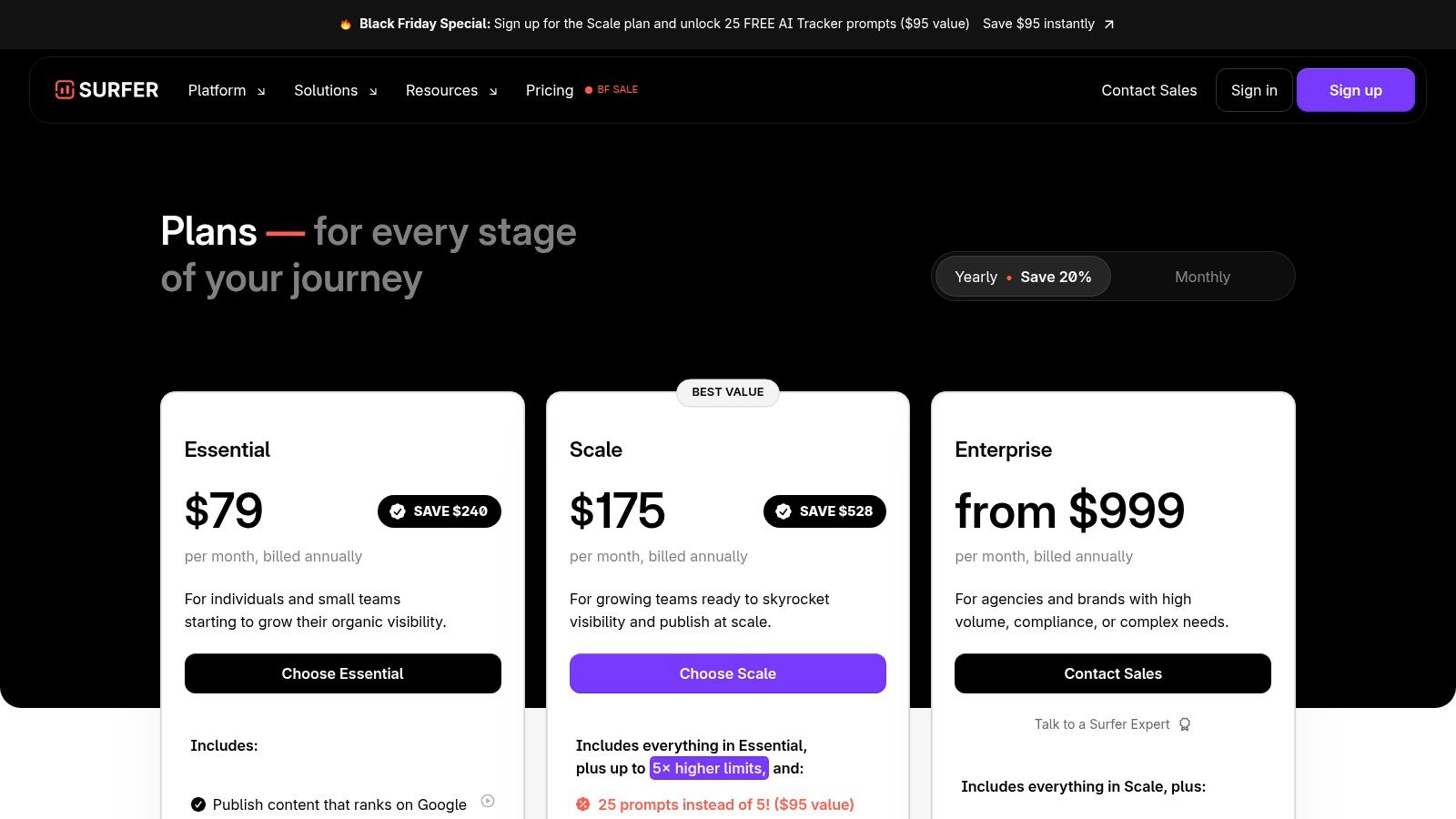
The platform’s standout feature is the Content Editor, which gives your writing a real-time SEO score based on factors like keyword usage, structure, and word count. For those just starting out, this is one of the most practical seo tools for beginners because it translates complex analysis into simple writing instructions. It helps bridge the gap between keyword research and a finished, optimized article.
Why It's a Must-Have
Surfer provides a clear, competitive edge by reverse-engineering what already works on the SERP. The editor suggests specific terms and phrases to include, ideal heading structures, and even image counts, guiding you to create content that is more comprehensive than the current top results. This data-driven approach is invaluable for solo founders and freelance writers who need to create competitive content efficiently. For a deeper dive, learn more about crafting a data-driven SEO content brief that pairs perfectly with Surfer's insights.
- Pricing: Starts at $89/month (Essential Plan) with higher tiers available.
- Best For: Content creators, freelance writers, and SMBs focused on creating high-ranking blog content.
- Unique Feature: Real-time Content Editor that provides a live SEO score and actionable on-page suggestions as you write.
Pro Tip: Don't just chase a 100 score. Use Surfer’s suggestions as a guide, but always prioritize natural language and user experience. Focus on including the most relevant NLP terms and structuring your article logically, rather than forcing in every single suggested keyword.
Website: https://surferseo.com/pricing
SEO Tools for Beginners — 12-Tool Comparison
| Tool | Core features | Best for | Primary value proposition | Ease / learning curve | Price / entry |
|---|---|---|---|---|---|
| Google Search Console | Performance, coverage, enhancements, indexing diagnostics | Beginners and any site owner troubleshooting indexing | Direct Google data for fixing visibility and measuring organic performance | Moderate — must learn reports but essential | Free |
| Google Keyword Planner | Keyword discovery, volume ranges, forecasts, location filters | Beginners learning search behavior and planning campaigns | Reliable search volume and forecast data from Google | Simple UI but requires Google Ads setup | Free with Google Ads account |
| Semrush | Keywords, site audit, rank tracking, content and competitive toolkits | Solo founders scaling to agencies who need all-in-one suite | Broad, scalable toolset for SEO, content, and competitor insights | Steep — many modules to learn | Paid subscription, tiered pricing |
| Ahrefs | Site Explorer, Keywords Explorer, backlink index, rank tracking, AWT | Teams focused on backlink research and technical SEO | Deep backlink and keyword data; free AWT for verified sites | Moderate — powerful interface, some learning | Paid plans; Ahrefs Webmaster Tools free |
| Moz (Moz Pro + MozBar) | Keyword Explorer, Link Explorer, site audits, browser metrics | Beginners who want guided learning and quick competitive scans | Clear tutorials, community support, handy browser metrics | Beginner-friendly | Paid tiers, some free tools |
| Ubersuggest (Neil Patel) | Keyword ideas, site audit, rank tracking, basic AI | Budget-conscious beginners and solo makers | Low-cost entry with straightforward onboarding | Easy — trial and free-tier options | Affordable plans, trial/lifetime offers |
| Mangools (KWFinder) | KWFinder, SERPChecker, rank tracker, LinkMiner, SiteProfiler | Beginners wanting simple, focused tools | Simple UI with transparent limits and good value | Very easy — low learning curve | Affordable subscriptions, free plan option |
| SE Ranking | Daily rank tracking, audits, keyword/domain research, backlinks | Beginners who want transparent pricing and trial | Straightforward tiers, clear reporting, trial without card | Beginner-friendly | Paid with 14-day free trial (no card) |
| Screaming Frog SEO Spider | Desktop crawler, JS rendering, custom extraction, GA/GSC integrations | Technical audits for small to large sites | Industry-standard deep technical crawl and export capabilities | Desktop app with learning curve | Free up to 500 URLs, paid license for unlimited |
| Yoast SEO | In-editor on-page checks, schema, redirect manager (Premium) | WordPress users wanting in-CMS SEO guidance | Real-time editors checks and educational resources | Very beginner-friendly | Free core plugin, Premium paid |
| Rank Math | Guided setup, auto-schema, integrated rank tracking, Content AI | WordPress users seeking feature-rich, affordable plugin | High feature set with automation and competitive pricing | Guided onboarding, moderate to use advanced features | Free core, paid tiers for advanced features |
| Surfer | Content Editor, SERP Analyzer, audits, AI writing helpers | Writers and creators focused on drafting ranking content | Practical, data-driven content guidance to optimize on-page SEO | Easy for writers, pairs well with an all-in-one tool | Paid plans with seat/credit limits |
Do This Next: Put Your Toolkit into Action
You've just navigated a comprehensive landscape of SEO tools for beginners, from the foundational free offerings by Google to sophisticated all-in-one platforms like Semrush and Ahrefs. The sheer number of options can feel overwhelming, but the goal isn't to master every single one. The goal is to build a small, effective toolkit that aligns with your specific objectives, budget, and current skill level.
Remember, the best tool is the one you actually use consistently. A powerful, expensive subscription gathering digital dust is far less valuable than a free tool like Google Search Console that you check weekly to monitor your site's health and performance. The journey into SEO is incremental, built on small, consistent actions.
Your Immediate Next Steps: From Learning to Doing
Information overload is a real risk after absorbing this much detail. To cut through the noise and build momentum, here is a simple, actionable plan to get started today.
- Install the Non-Negotiables (If You Haven't Already): Your first step is to set up the foundational layer. Go and connect your website to Google Search Console right now. It's free, it's the most direct source of data from Google, and it's indispensable for understanding how the search engine sees your site. Pair this with a free analytics platform to track user behavior.
- Choose Your "Starter Stack": Refer back to the recommended stacks for solo founders or small teams. Pick one that matches your budget and primary goal. For instance, if content is your main focus, a combination of a free keyword tool, a content optimization plugin like Rank Math, and Google Search Console is a powerful and cost-effective starting point.
- Commit to a Workflow: A tool is only as good as the process it supports. Pick one of the one-page starter workflows from the article, such as the "Basic Keyword Research & Content Brief" workflow. Print it out or save it to a Notion doc. This transforms abstract knowledge into a repeatable checklist.
- Time-Block Your SEO Activities: SEO isn't a "set it and forget it" task. Open your calendar and block out 1-2 hours per week dedicated to SEO. Use this time to run through your chosen workflow. This consistency is what separates those who see results from those who just own subscriptions.
FAQS
What is the best entry-level SEO tool?
Google Search Console is the best entry-level SEO tool — it's completely free and gives you direct data from Google on how your site performs in search. It shows which queries drive impressions and clicks, flags indexing issues, and lets you submit pages for crawling. No third-party tool can replicate this data because it comes straight from Google. Pair it with a free WordPress plugin like Rank Math and you have a solid foundation without spending anything.
Do I need paid SEO tools as a beginner?
Not immediately. Free tools like Google Search Console, Google Keyword Planner, Ahrefs Webmaster Tools, and Screaming Frog (up to 500 URLs) cover the fundamentals of keyword research, rank monitoring, backlink checking, and technical audits. The trigger to invest in a paid tool is when time becomes your main constraint — an all-in-one platform like Frase or SE Ranking consolidates multiple workflows into one interface, saving hours of cross-referencing between free tools.
What basic SEO tools can I use for free?
The essential free SEO toolkit includes Google Search Console (performance data and indexing), Google Keyword Planner (search volume and keyword ideas), Ahrefs Webmaster Tools (site audit and backlink overview for your own site), Screaming Frog free version (technical crawl of up to 500 pages), and a WordPress SEO plugin like Rank Math or Yoast. Together, these cover keyword research, technical audits, rank monitoring, and on-page optimization at zero cost.
Can I do SEO with just free tools?
Yes — many successful sites have been built entirely with free tools. Google Search Console handles rank monitoring, Google Keyword Planner covers keyword research, Screaming Frog audits technical issues, and Rank Math guides on-page optimization. The main limitation is efficiency: free tools require more manual work and switching between platforms. Once you're consistently publishing and need to scale, a paid content optimization tool like Frase ($39/month) or an all-in-one suite can dramatically speed up your workflow.
How to Select the Right SEO Tools for Beginners
As you move forward, your needs will evolve. Use these decision cues to determine which tools to add to your arsenal and when it’s time to upgrade.
- When your primary constraint is budget: Stick with the free tier. Your best combination is Google Search Console, Google Keyword Planner, and a free SEO browser extension. Focus your energy on creating high-quality content based on the data you can gather.
- When your primary constraint is time: This is the trigger to invest in a paid tool. An all-in-one platform like Semrush or Ahrefs consolidates five or six different functions (keyword research, rank tracking, site audits) into one interface, saving you countless hours of cross-referencing data from multiple free sources.
- When you need to outperform competitors: Once you have the basics down, you need a competitive intelligence tool. This is where the backlink analysis and content gap features of platforms like Ahrefs, Moz Pro, or SE Ranking become critical for discovering and replicating your competitors' success.
- When you need to scale content production: If you are managing multiple writers or a high-volume content calendar, a dedicated content optimization tool like Surfer or Frase is a worthwhile investment. It provides objective, data-driven briefs that streamline the writing and editing process.
Ultimately, your journey with SEO tools for beginners is a marathon, not a sprint. Start small, master the fundamentals, and only upgrade when a paid tool solves a specific, time-consuming problem you're consistently facing. The insights are out there waiting to be found. Now, you have the map and the compass to begin your search. Go put them to work.